
ID depends on the selected User Panel.
Based on the configuration, the following categories of users can be displayed in the user panel:
-
Employees or users for whom the logged-in person has clearances. This configuration is controlled via the user list
-
Supervisors of the logged-in user
-
Arbitrary groups based on the group selection available at the panel level. No additional clearances are required for the users inside the group if the logged-in user is allowed to see the dashboard where the configured panel is available
Panel Settings
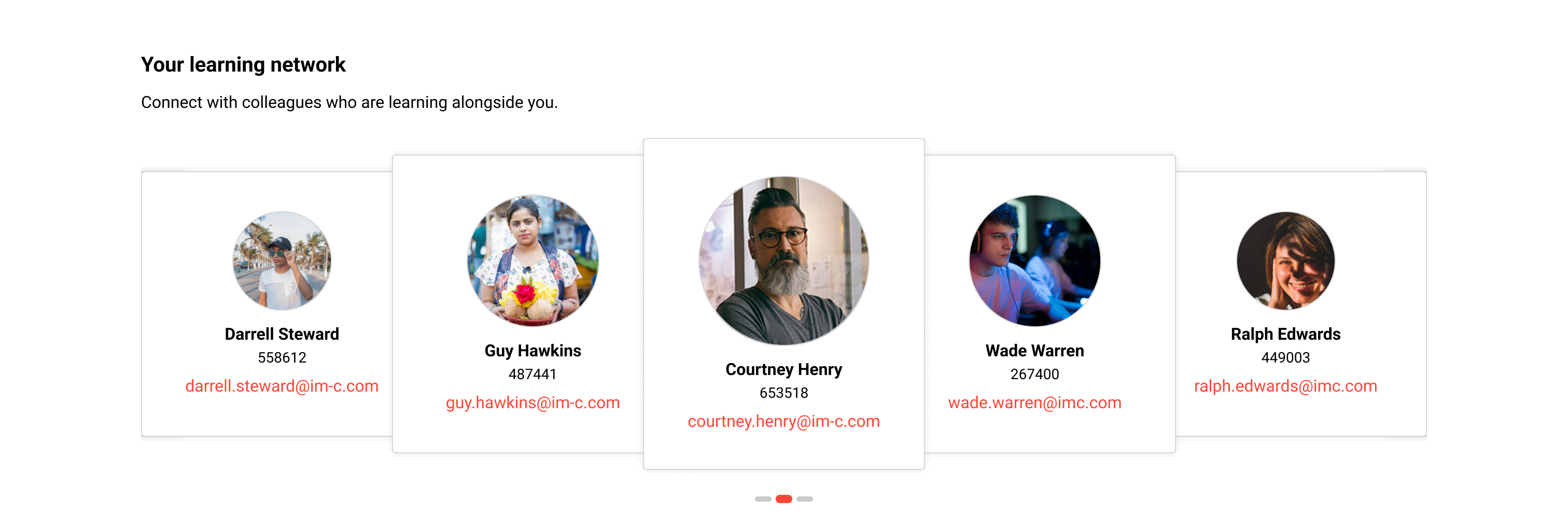
The panel supports two types of display. By default, it provides a tabular report display, and based on additional configuration, it can be displayed as a slider.
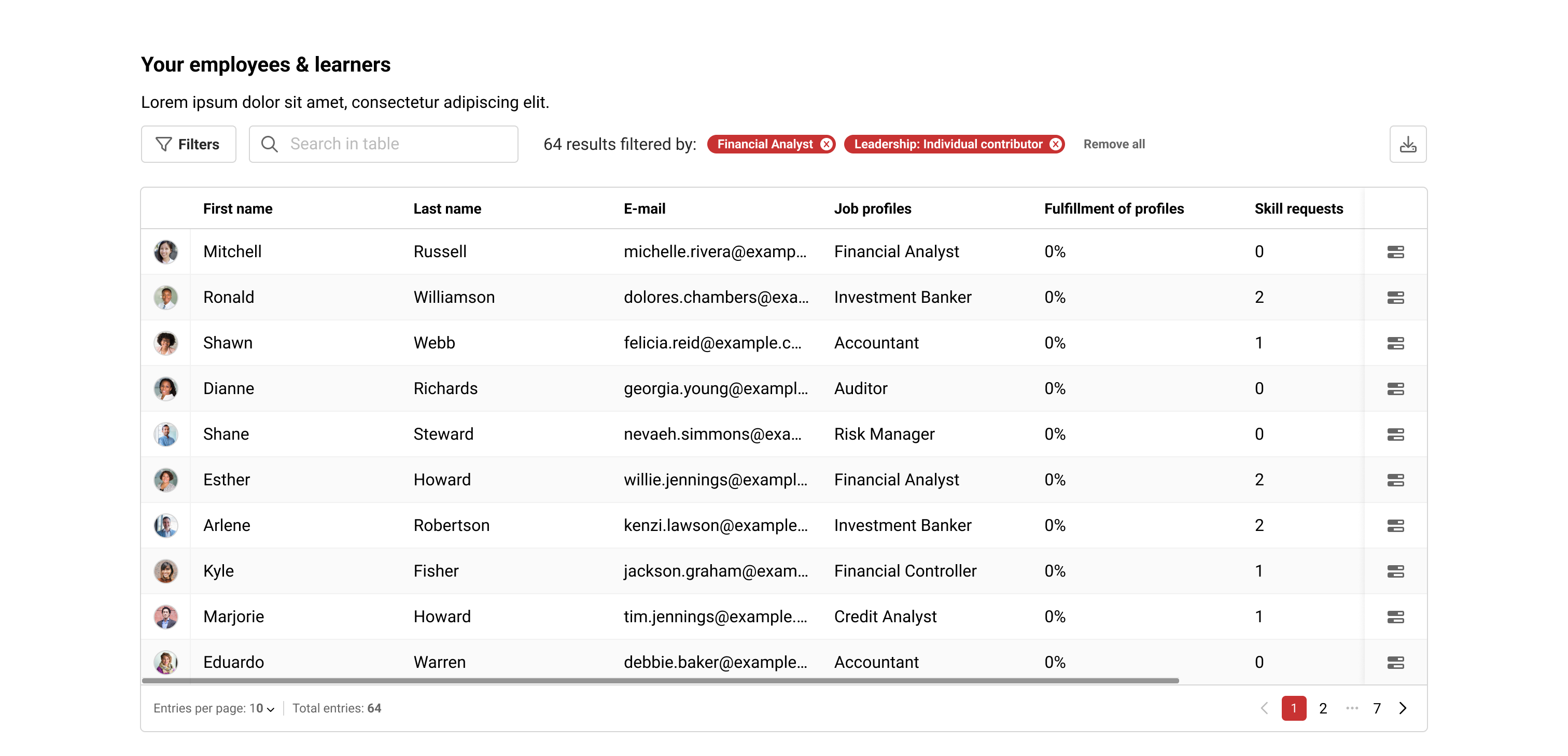
When the panel is used in slider mode, the cards displayed on the panel show the personal attributes based on the order defined in the user list.
Whether images should be shown to users in the panel is controlled via the user list configuration.
When an email address is configured to be displayed, an action is provided to allow the user to contact the person directly via email.
Related Functions