
To begin setting up your On-the-Job Training (OJT) program, follow these steps to configure the necessary tasks and templates. This process involves creating individual OJT tasks, assembling them into templates, and assigning the appropriate tasks to each template. These configurations ensure that your training program is structured, consistent, and easily assignable to users.
Configuration
Follow the steps below to complete the setup:
-
Create OJT Tasks
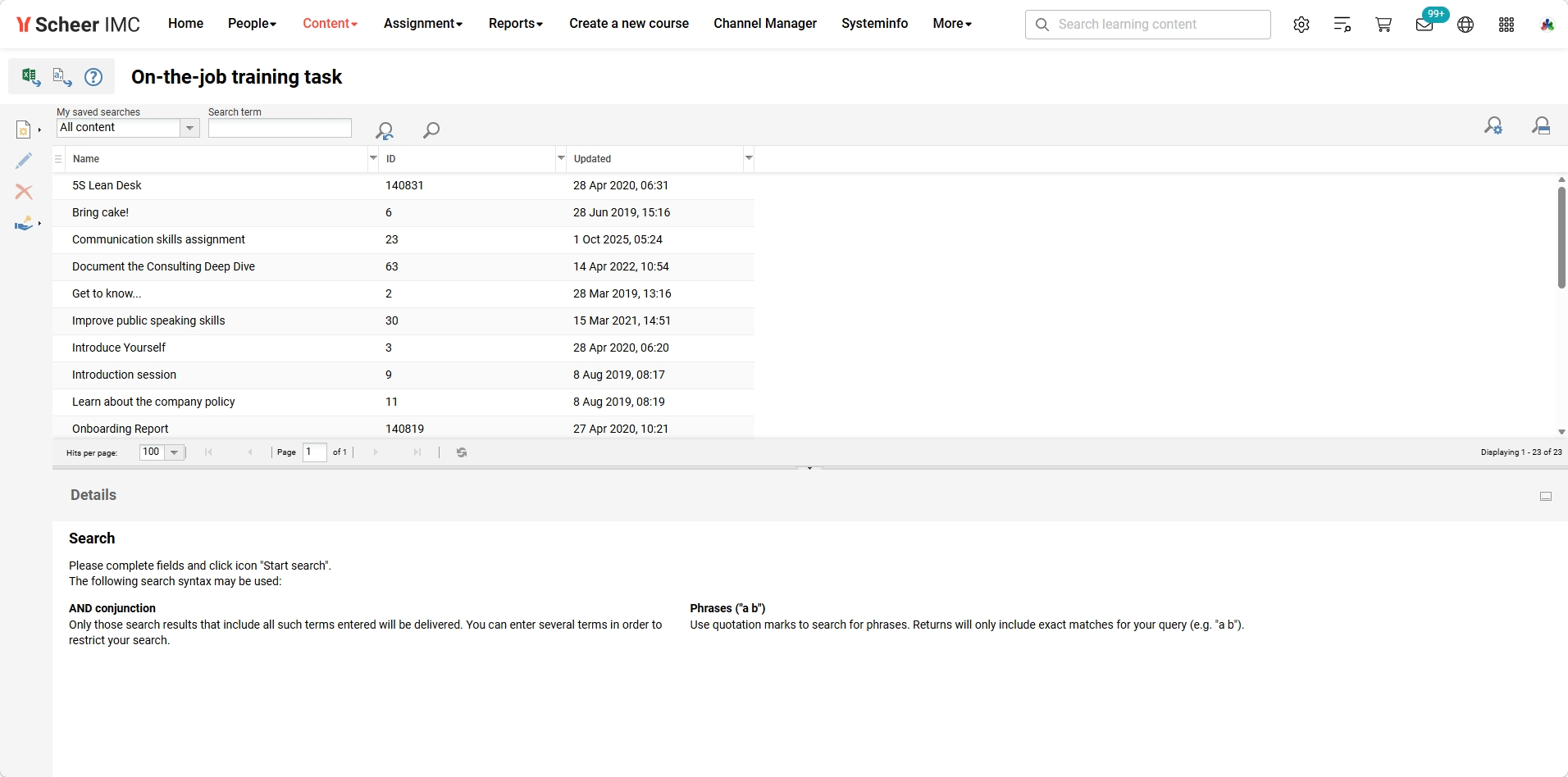
Navigate to:
Content → On-the-job Training Task → Create → New
Fill in all required fields and click Save to create individual training tasks. -
Create OJT Template
Navigate to:
Content → On-the-job Training Template → Create → New
Enter all required information and click Save to create a template that will hold your tasks. -
Assign Tasks to Template
Navigate to:
Content → On-the-job Training Template → ‘Content’ tab → Add
Select the desired task(s) from the list and click Save to attach them to the template.
The Collaborative Group Work feature in OJT enables training tasks to be completed by groups rather than individuals. By enabling the "Group Work" option in the OJT template and configuring the group settings within the course component, you allow multiple participants to collaborate on assigned tasks.
-
Create an OJT for Collaborative Group Work
Navigate to:
Content → On-the-job Training Template → "Enable group work" checkbox → Save
Then go to:
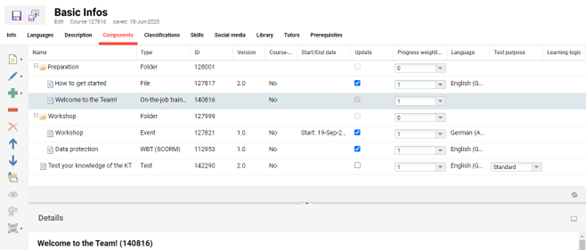
Course → Edit → Components → Collaborative Group Work → Edit → Group Tab → Save
This enables the template to be used in a collaborative group training setup, allowing multiple participants to work together.
On-the-job Training as Course Component
Assign OJT Template to course syllabus
Content → Courses → Edit course → “Components’’ tab → Add → Select OJT
Related topics