
D = Depending on the report
The report panel in the ILP enables users to access and manage reports efficiently.
Panel Settings
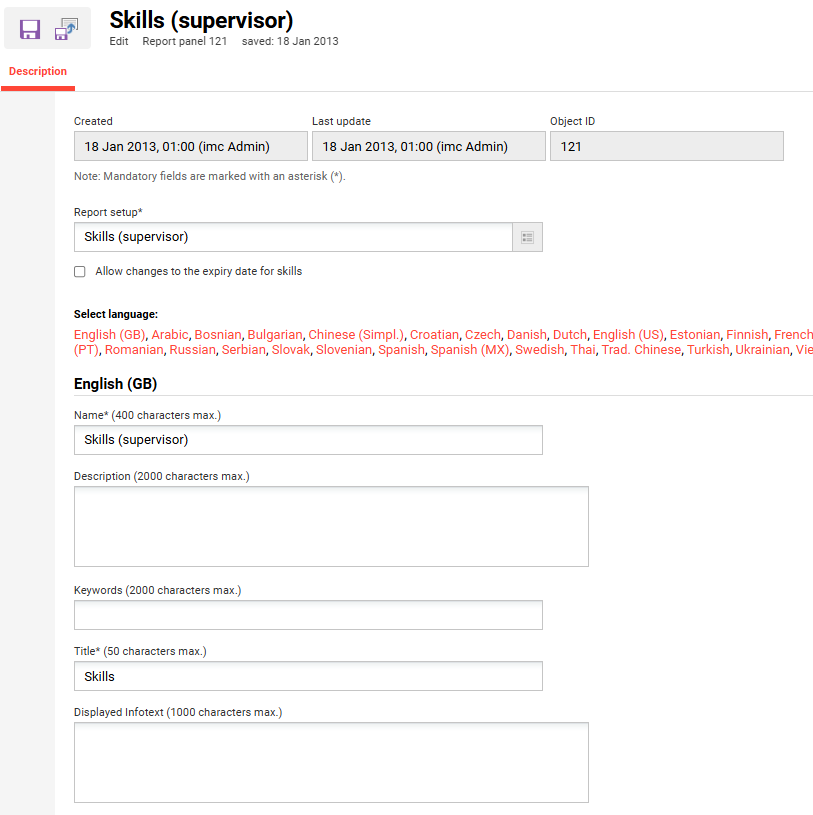
The default columns and filters displayed in the report panel are determined by the referenced user lists and meta tag lists, ensuring that users have a tailored experience based on their preferences and needs.
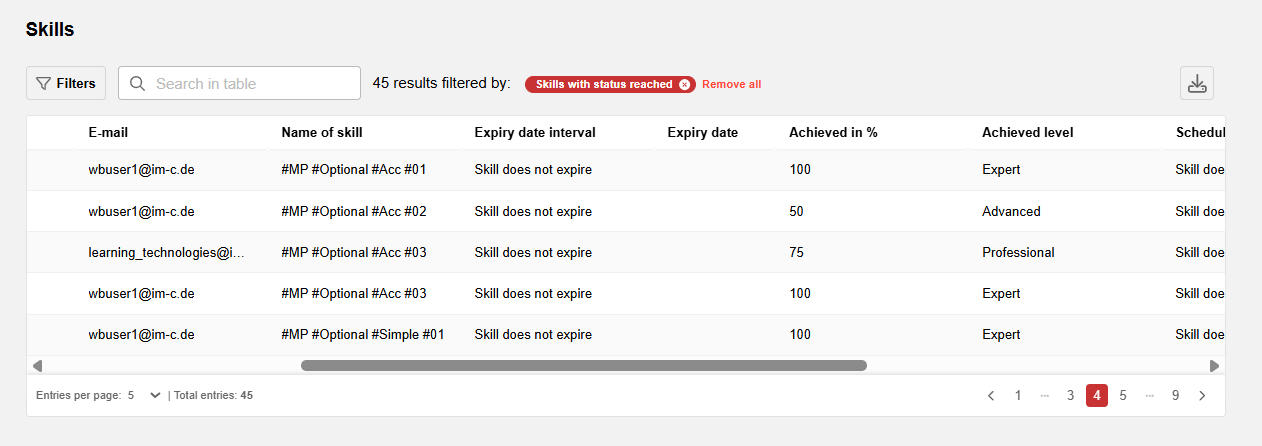
Users can filter, sort, and download any reports that are accessible to them.
Related Functions