
ID=186
This panel shows current level and achieved points.
Panel Settings
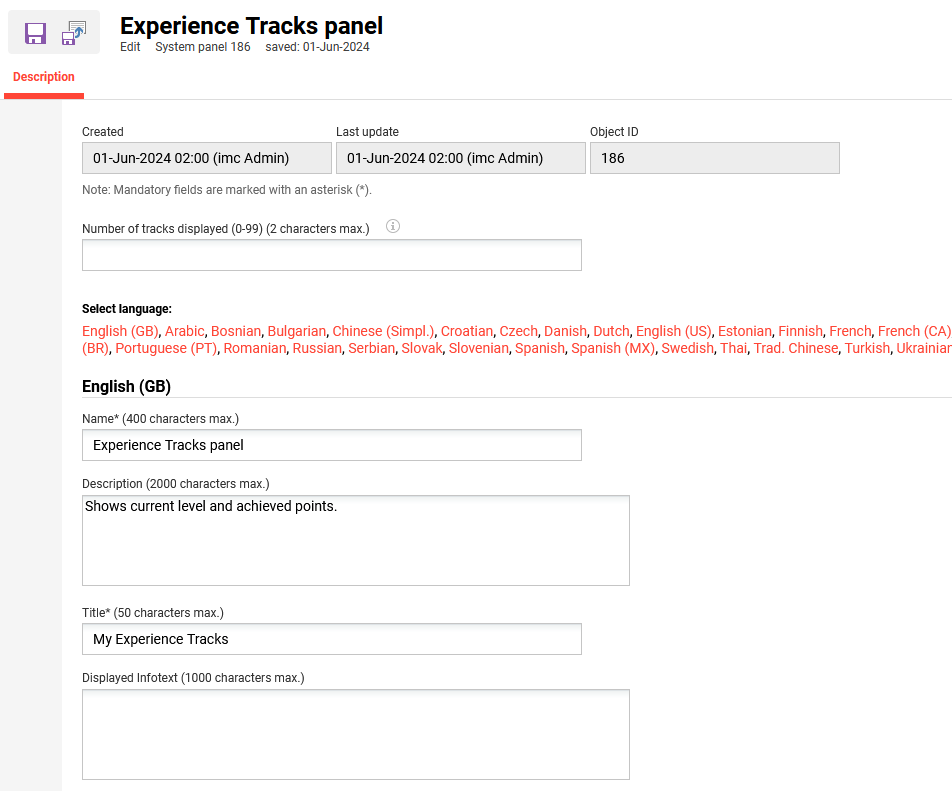
This panel can be conveniently added to a dashboard and will display the Experience Tracks with progress for the logged in learner. The number of shown contents determines the number of Experience Tracks displayed in a panel. The recommended setting is 2. Once the number of Experience Tracks exceeds the number of contents a “show all” button will be available in the panel.
Panel Presentation
-
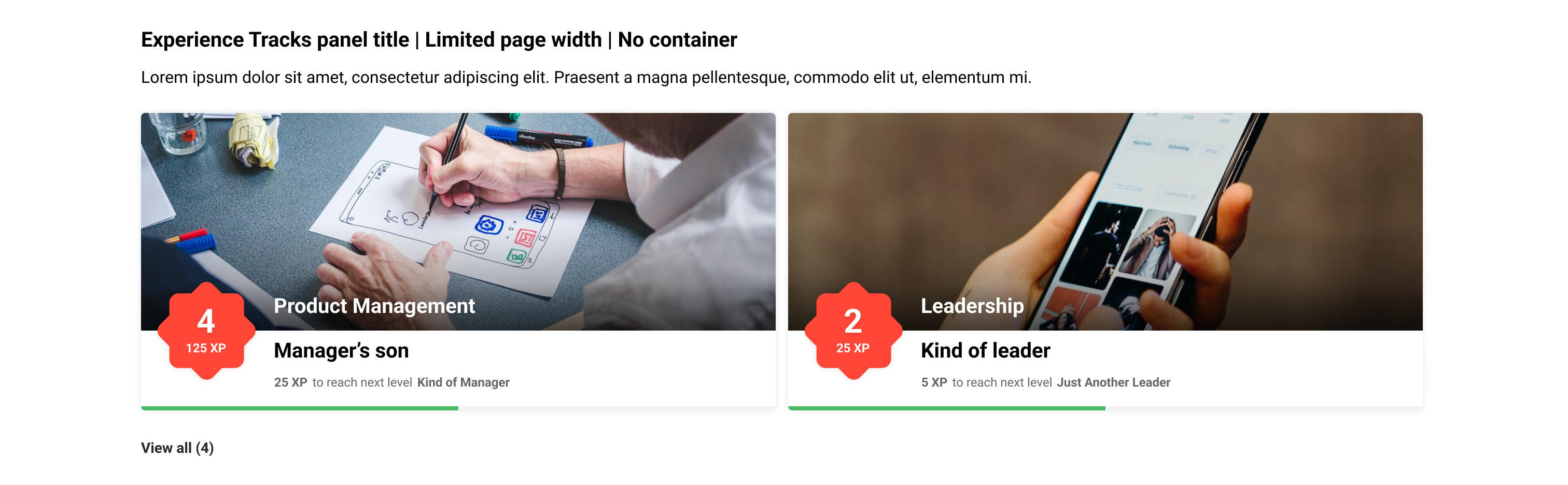
Shows level (in red flower shape)
-
Shows experience needed to reach the next level and visualizes it with a green progress bar
-
hover effect on tile: progress bar expands and becomes more visible, and progress is displayed as a percentage
-
Clicking on the tile leads to the overview page of the corresponding Experience Track
-
Clicking on the Show all button leads to the “My Experience” area showing all Experience Tracks and all Badges.
Related Functions