
ID=160
A login panel can be configured on the external dashboard, with the possibility to configure either an inline display, or a floating one.
Panel Settings
With the settings the floating displayment can be configured:
-
top
-
bottom
-
left
-
right
With this the position of the login box over the panel with the portal image can be definded.
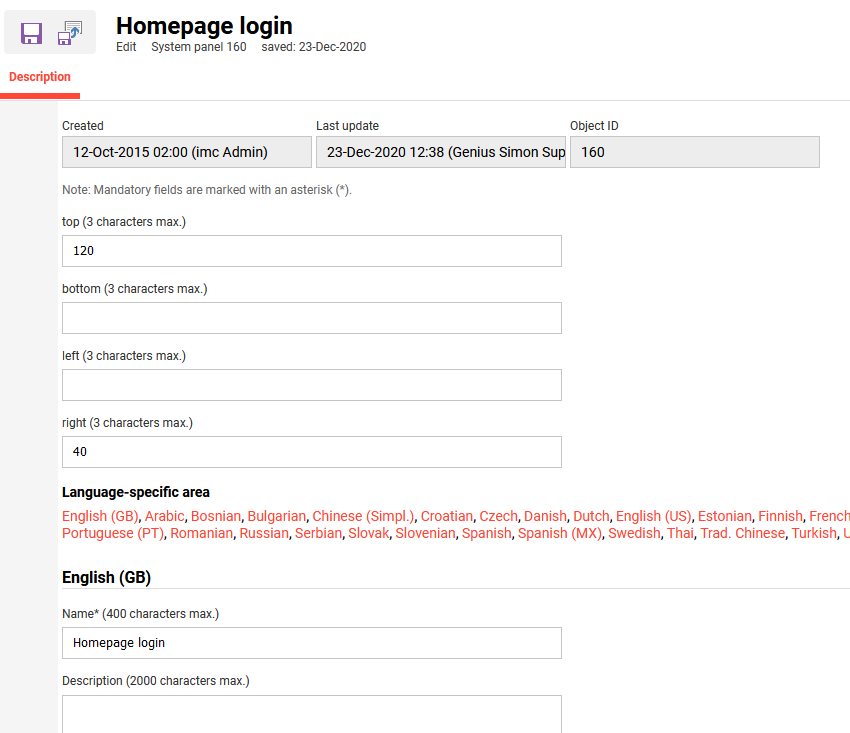
If nothing is enter above the inline display will be taken and is based on the order of the panels in the dashboard assignment.
Related Functions