-
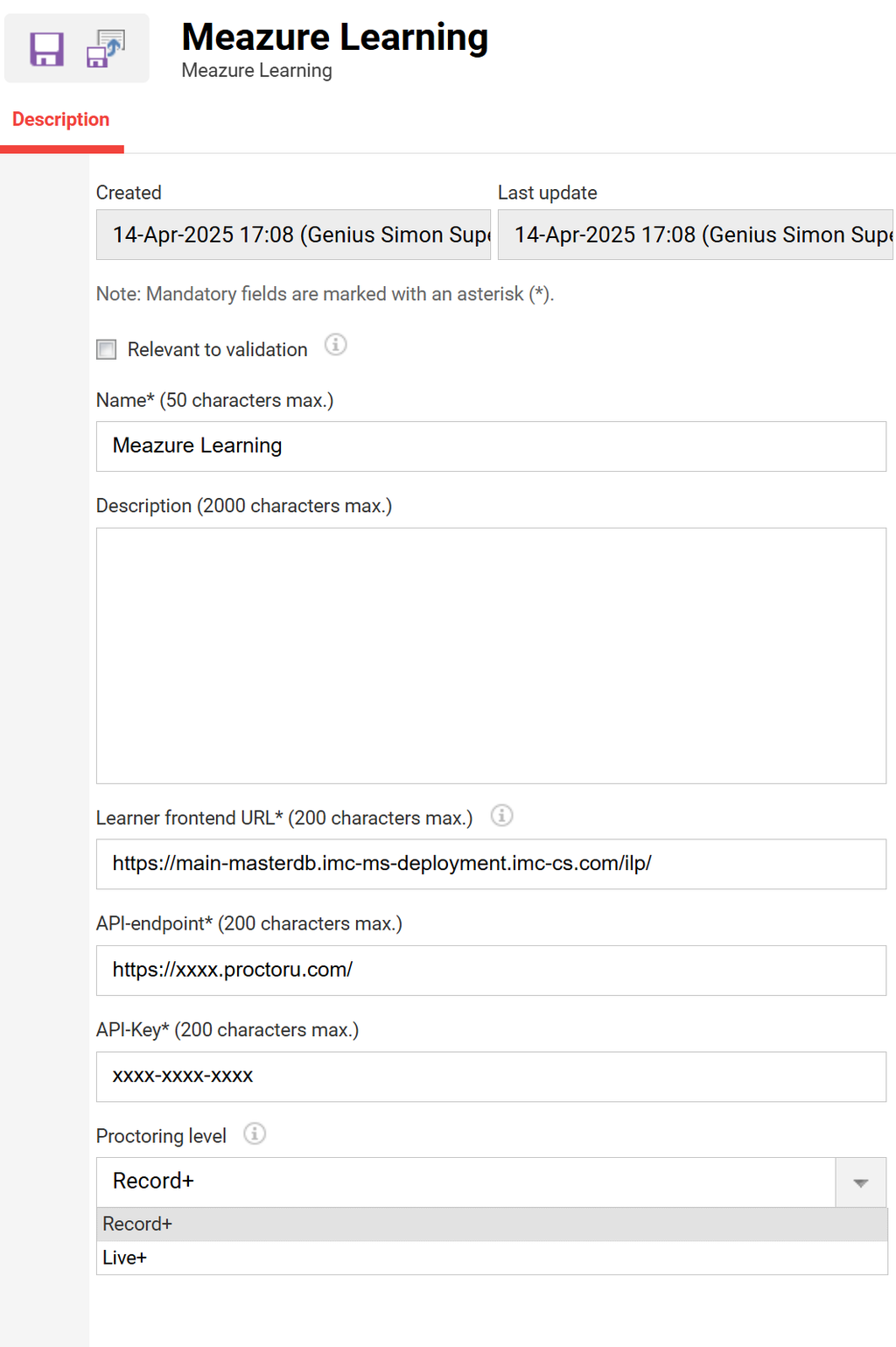
Create “Meazure Learning“ external service provider in the external service provider manager by clicking create in the toolbar on the left side.
-
Enter name, description, learner front-end URL, API-endpoint and API-Key (provided by Meazure Learning) and choose the proctoring option Record+ for setting up for automatic proctoring. For setting up Live+ for live proctored tests, Live+ needs to be selcted. Once the external service provider is saved the set proctoring option cannot be changed anymore.
-
The setting “Allow test scheduling 24h in advance“ needs to be adapted according to the system configuration on ProctorU side.
-
-