
Media in courses can be combined with forums to enable course participants to discuss specific learning content on the syllabus.
Only a few steps are required to enable media discussions, which are shown on the media detail page directly below the displayed content.
Steps to Configure
-
Media type level: add metatag "Show media forum" to allow media forum config (see image below)
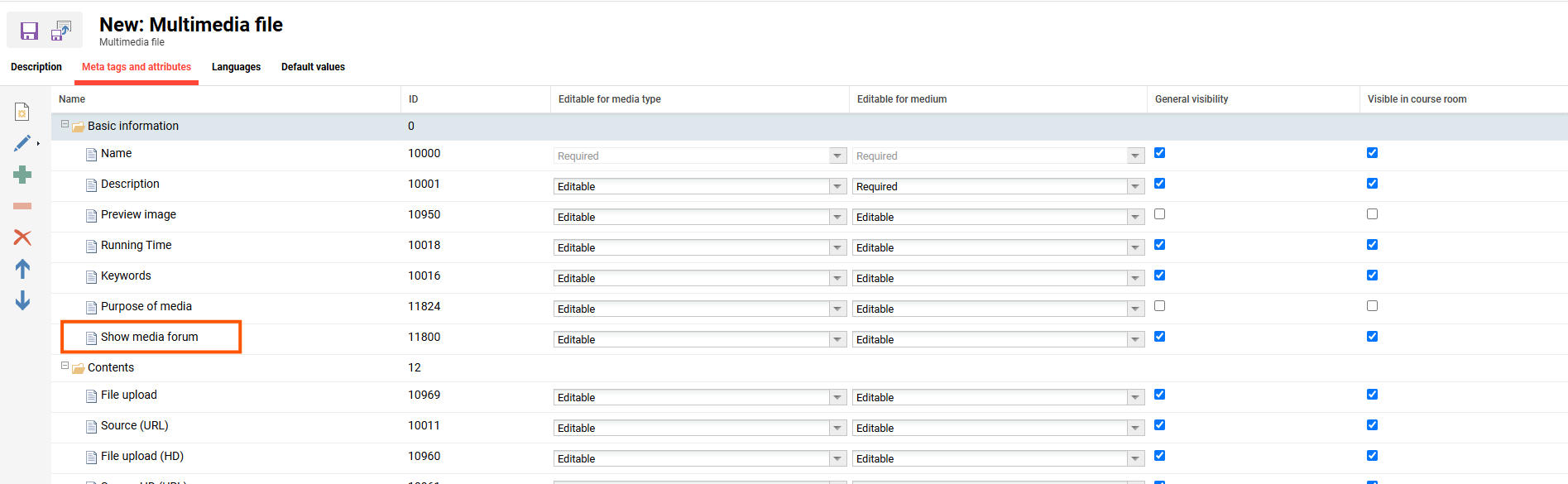
Metatag “Show media forum” highlighted
-
Medium level: activate setting in the created media
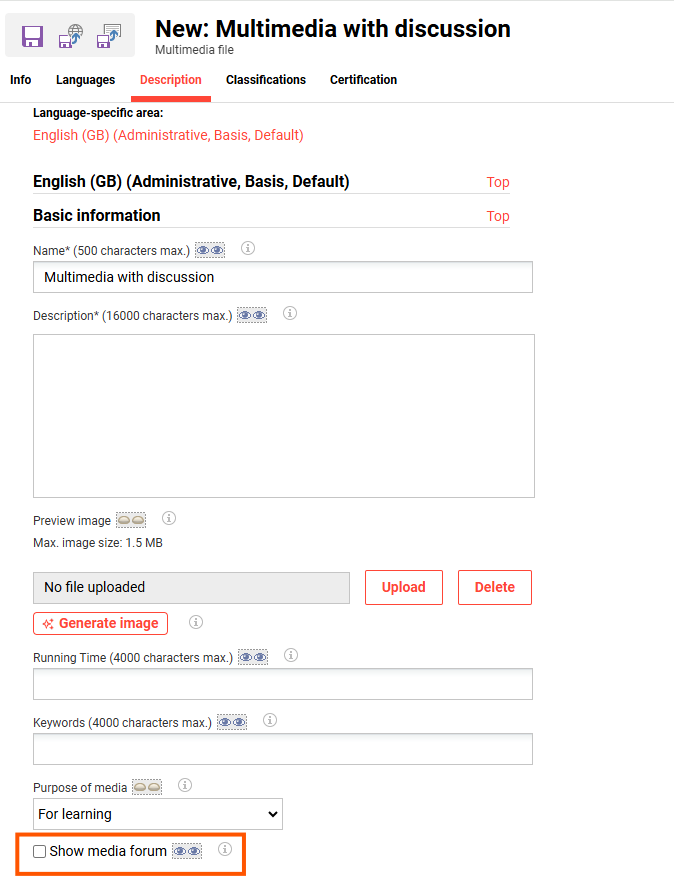
Show media forum setting in multimedia file description
-
Create related forum
Create a forum (either system-wide or course-specific) that starts the name with the objectID of the related media, e.g., for media "2.1.1.9 Poll & Discussion" with object ID, the forum name has to start with "235362_" as depicted below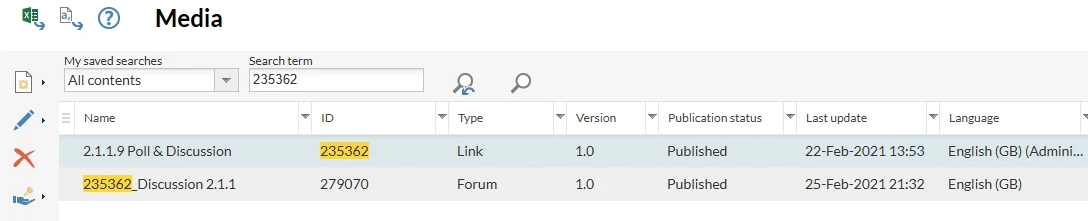
Create related forum
-
Add media and forum to course
For all media with discussion in the course syllabus, the respective forum has to be added to the social media list as is shown on the bottom right side. -
Discussion becomes visible in the media details view and can be used.
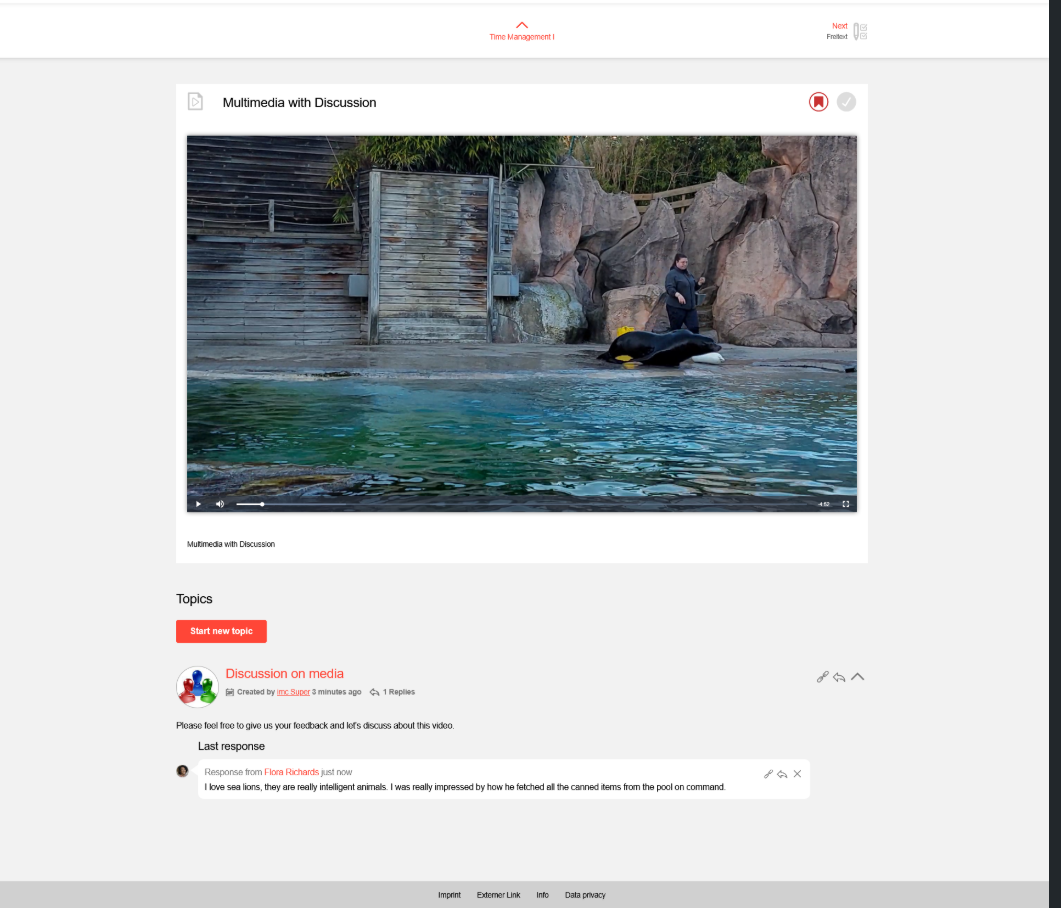
example of discussion
Note: This function can also be used with course-specific media and forums.