
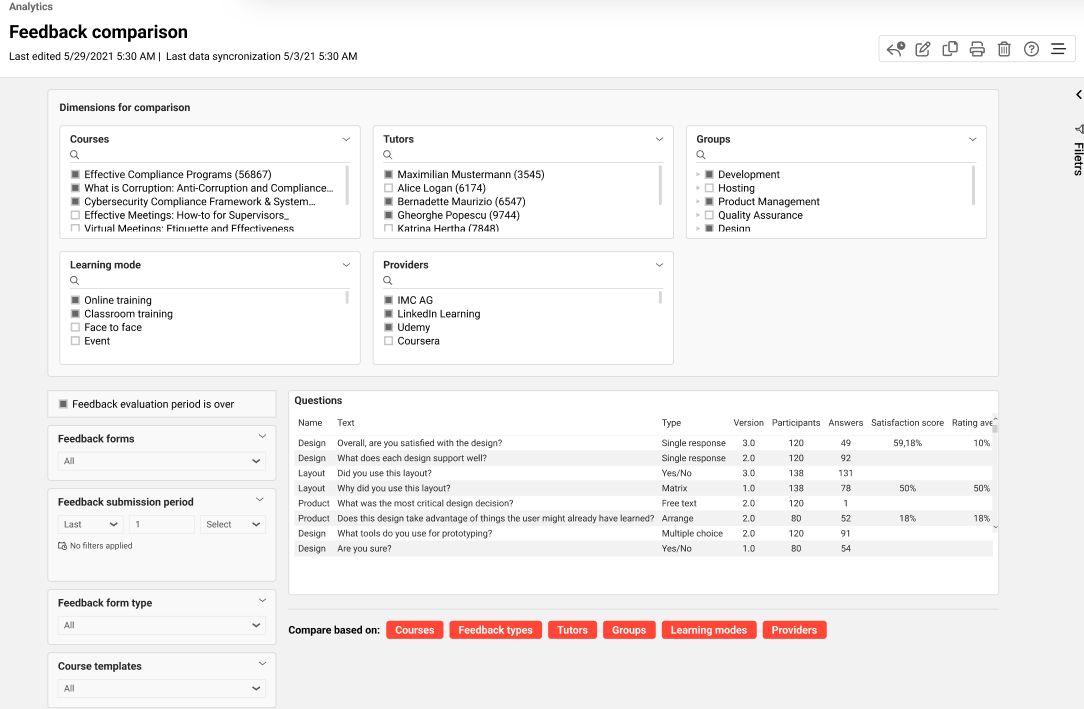
The report enables feedback responses to be compared across various dimensions, allowing the reasons for poor performance in some courses to be identified.
Key Performance Indicators
The feedback comparison report analyzes the following KPIs in the order listed.
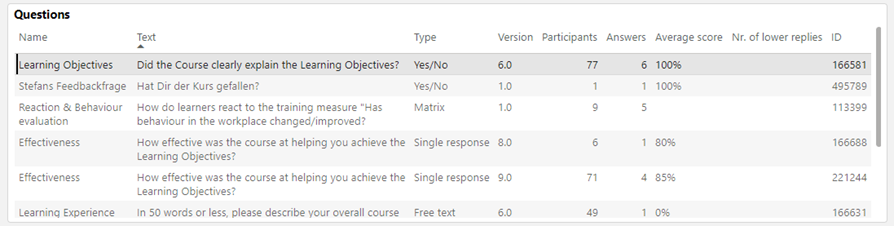
This overview displays the question´s name, text, type, published version, number of participants in the courses to which these questions have been assigned (enrolled, in progress, passed, failed, or cancelled only if feedback has been submitted), number of replies, average score, number of lower ratings, and question ID.
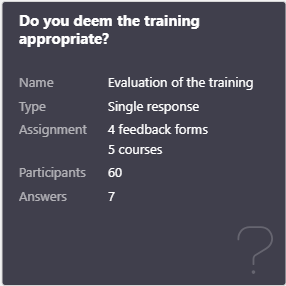
This card is shown when the specific question is selected. It displays the question text, name, type, minimum value, maximum value, number of feedback forms, courses, and participants to which the question has been assigned, as well as the number of replies.
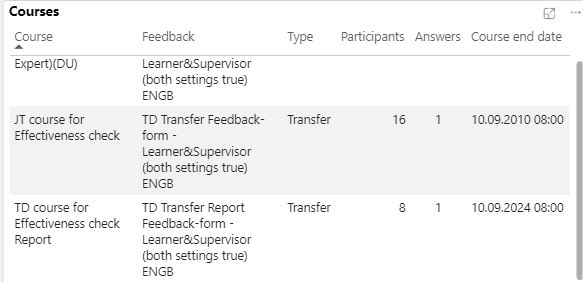
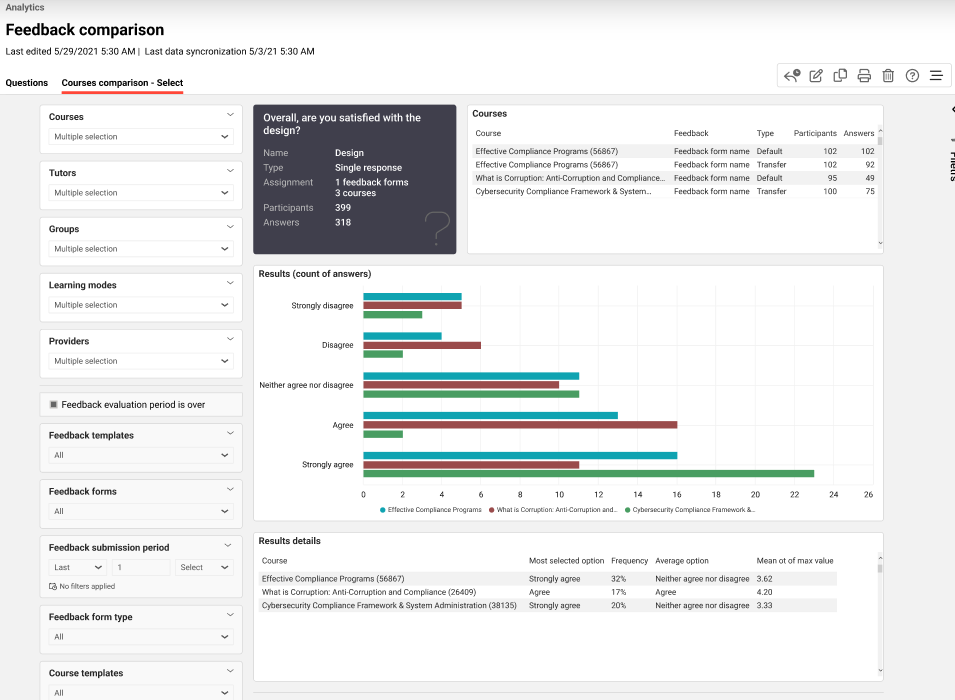
This overview displays the courses to which the selected feedback question has been assigned, the feedback form name and type, the number of participants, including cancelled participants who have submitted responses, the number of replies, and the course end date.
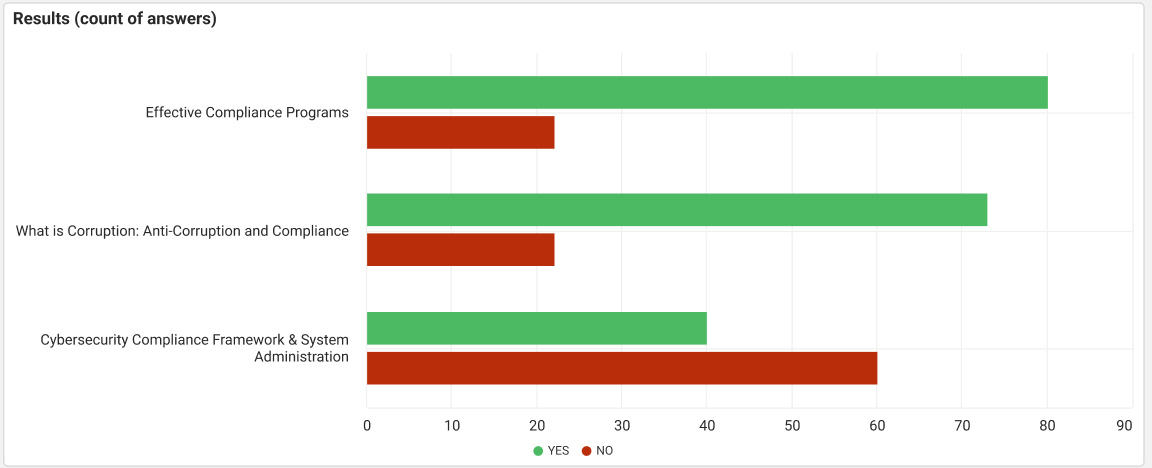
This KPI displays how many participants selected yes and how many selected no for the selected Yes/No feedback question, and compares the results across the chosen dimension.
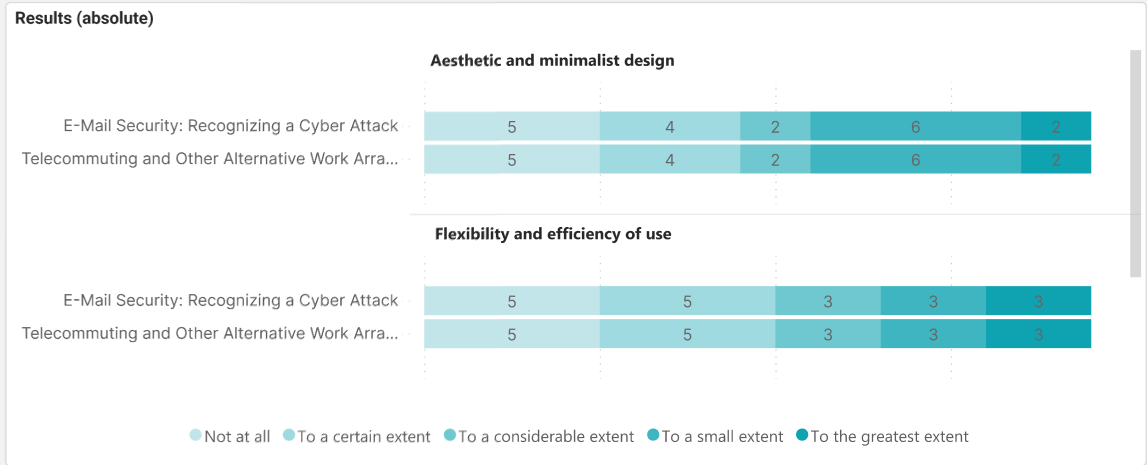
This KPI displays the number of participants who selected the respective option in each row of the selected matrix feedback question and compares the results across the chosen dimension.
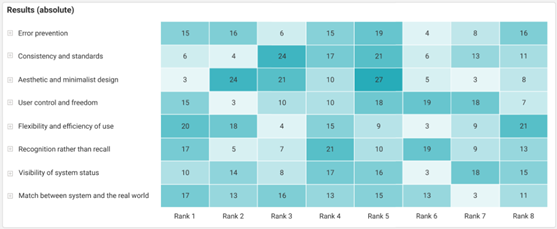
This KPI displays the number of participants who ranked the specific item first, second, and so on for the selected arrange feedback question, and compares the results across the chosen dimension.

This KPI displays the most selected option for the selected Yes/No feedback question and compares it across the chosen dimension.
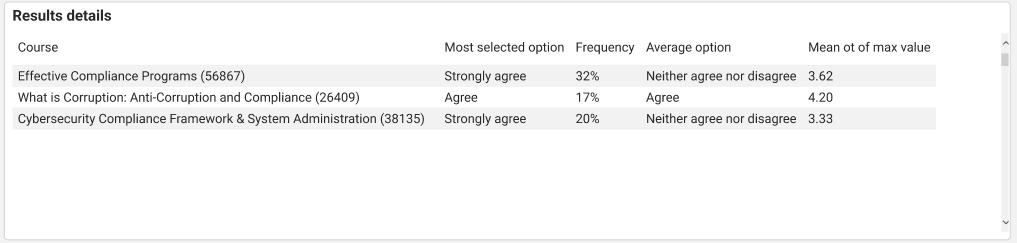
This KPI displays the most selected and highest-average options for the selected single-response or multiple-choice feedback question and compares them across the chosen dimension.
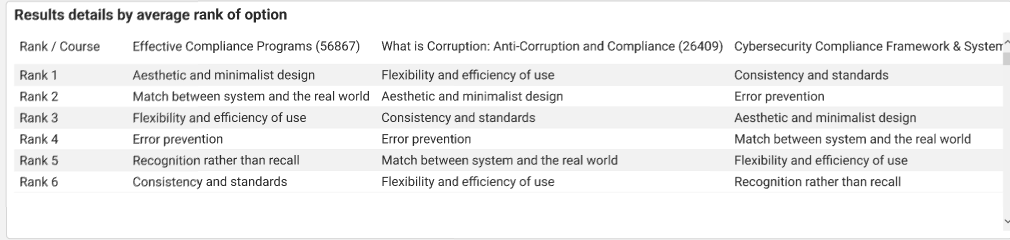
This KPI displays the highest average rank for an option in the selected arrange question and compares it across the chosen dimension.
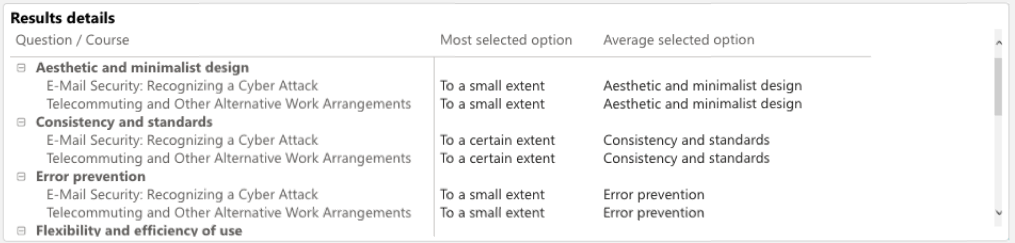
This KPI displays the most selected and highest-average options for the selected matrix feedback question and compares them across the chosen dimension.
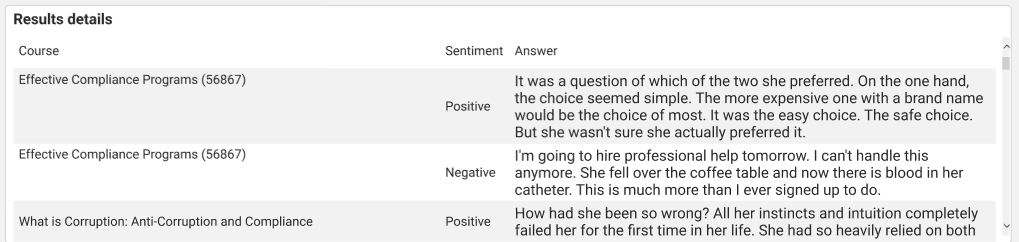
This KPI displays responses for the selected free-text feedback question, marks them as positive, negative, or neutral, and compares the results across the chosen dimension.
Please note AI functions has been depreciated by Microsoft as of Sep, 2005. The visuals dependent on sentiment analysis would not show data for the time being.
Dimensions
The Feedback comparison report allows report results to be filtered by the following dimensions in the listed order.
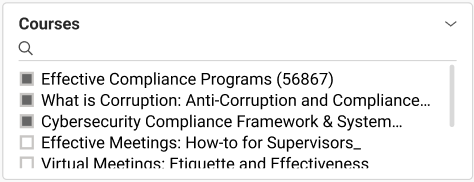
This dimension lists all courses to which the reporter has access.

This metric lists all tutors assigned the tutor role in the course templates and courses to which the reporter has access.
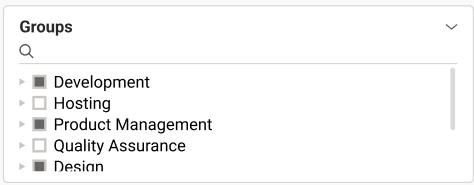
This dimension lists the groups of learners who are enrolled, in progress, failed, passed, or cancelled (only if feedback has been submitted) in the courses to which the reporter has access. Selecting a group-tree element also selects its subgroups.
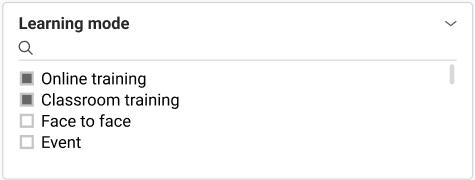
This dimension lists all learning modes assigned to courses to which the reporter has access.
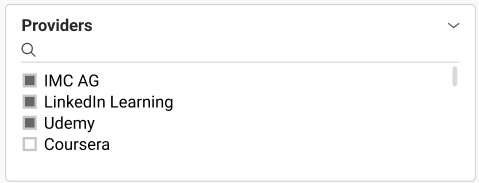
This dimension lists all providers assigned to courses to which the reporter has access.
Metrics
The Feedback comparison report allows report results to be filtered by the following metrics in the listed order.

When “Feedback evaluation period is over” is selected, only questions from feedback forms assigned to date-dependent courses for which the feedback evaluation period has ended are considered.
N/A is shown in case no such feedback question is available.
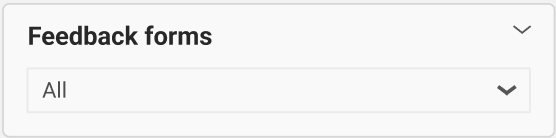
This metric lists all feedback forms assigned to courses to which the reporter has access. Selecting a feedback form template also selects all listed feedback forms of that template.
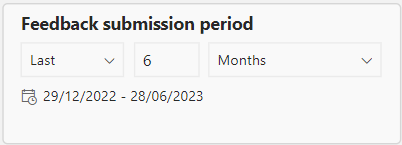
This metric filters the report by the selected feedback submission period during which the feedback form was submitted. The default time period is 6 months.
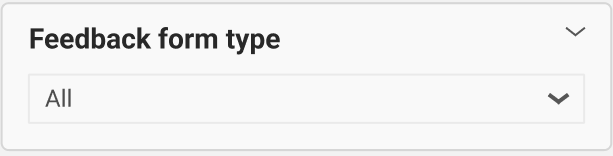
This metric filters the report by the selected feedback form type (default or transfer) of the feedback templates and forms assigned to courses to which the reporter has access and their course templates.

This metric lists all course templates associated with courses to which the reporter has access.