
Typically users can add media items from courses, catalogues, and Channels to their own bookshelves, basically like a personal favourites or library. The "Bookshelf assignment" function though enables administrators to push certain media type objects to the bookshelves of entire clients, selected groups, or individual users. The function displays all assignable media type objects that the logged in user has clearance on.
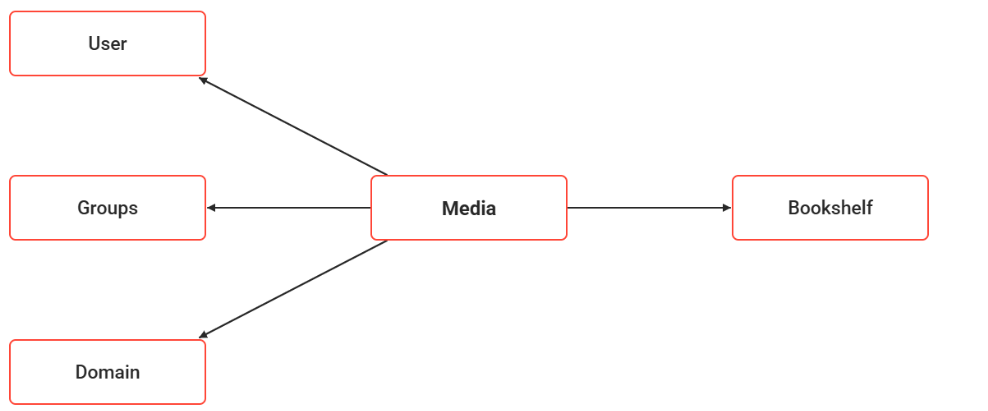
Functions of the Bookshelf Assignment
Assignment
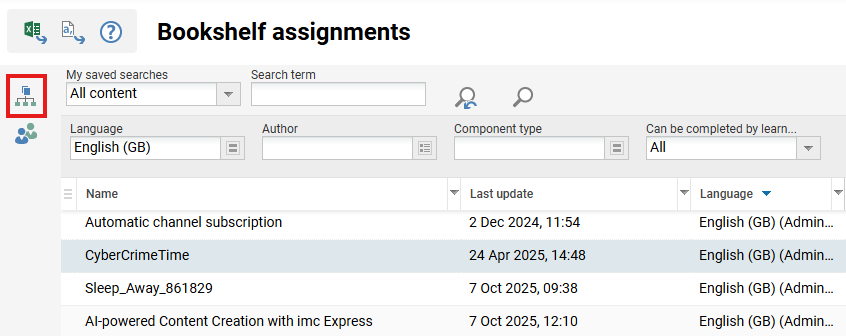
Contents for individual users, groups or clients can be assigned. These contents will then appear to users or to the members of groups and clients in the bookshelf as reading recommendations. All added contents, irrespective of their release, are visible to learners.
"Remove" causes clients, groups or users to be removed, so that a given content is no longer available to them in the bookshelf.
Add' causes clients, groups or users to be added, so that a given content becomes available to them in the bookshelf.
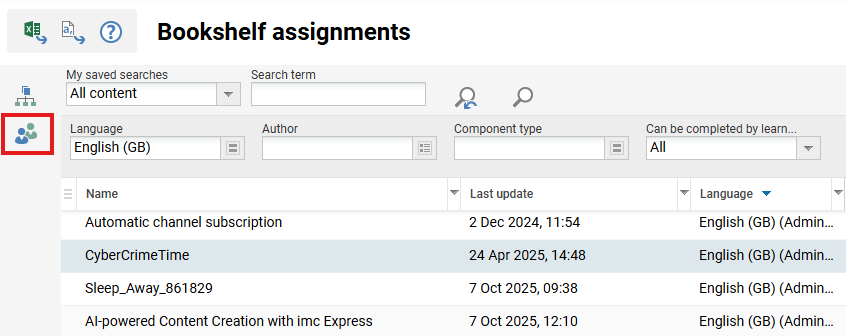
The users assigned to a content item can be viewed and administered from this list, showing last name, first name, personnel number, version, status and completion date for each user. A user's status can be changed manually using the corresponding toolbar icon, to Reset, Start, Passed or Failed.

Export
A CSV file with a current list of all media assignments can be downloaded for further processing with Excel.