
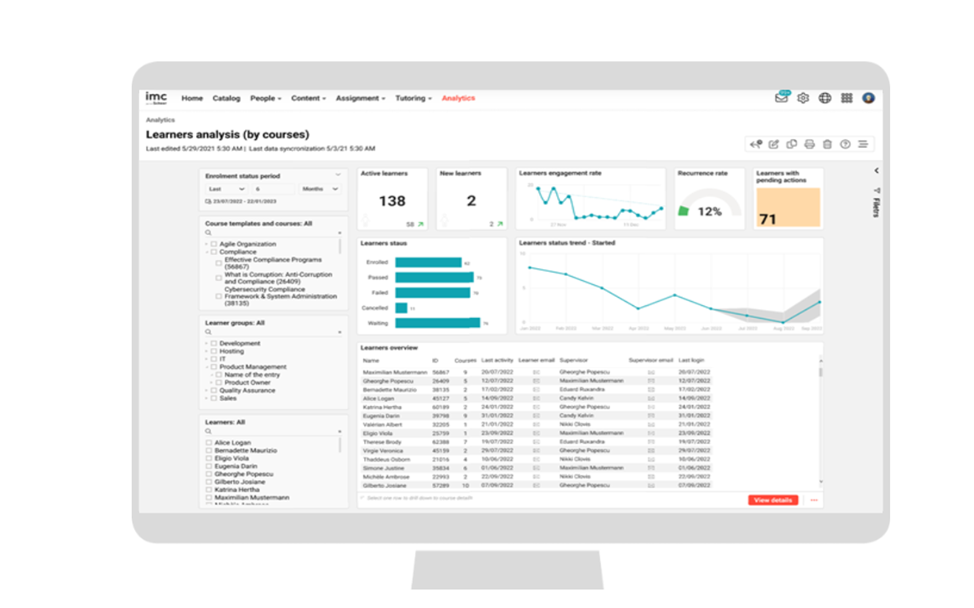
The “Learners analysis (by courses) report evaluates how the learners are engaging with the courses and which learners need immediate attention.
Key Performance Indicators
The following KPIs are present on the "Learner’s analysis (by courses)" report in the order mentioned.
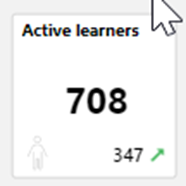
This KPI shows counts unique learners who have accessed at least one course in the last month so that the reporter can get an overview on training activity level.
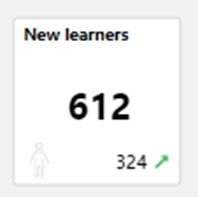
The number of unique learners that have enrolled or in progress so that the reporter can get an overview on training activity level is reflected on this KPI.
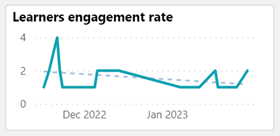
This KPI displays the engagement of the learners on the courses in the last four weeks (configurable) so that the reporter can take necessary actions to raise the engagement rate.
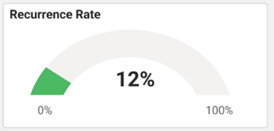
The number of learners that have been recurring in the given time range so that the reporter can take necessary actions to raise the recurrence rate is seen on this KPI.
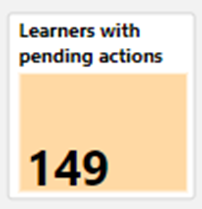
The count of learners who have an enrolment status "Waiting", "Waiting for approval" and "Reserved on Waiting list" on the course is shown on this KPI.
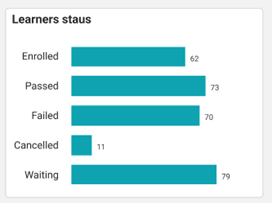
This KPI displays the count of the learners with the respective enrolment statuses on the courses.
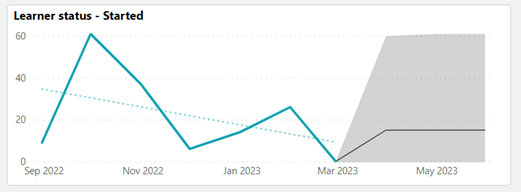
The numbers of learners on the particular status chosen by the reporter on the visual "Learners status" is displayed on this KPI. The period to be considered is defined by the metric "Enrolment status period".
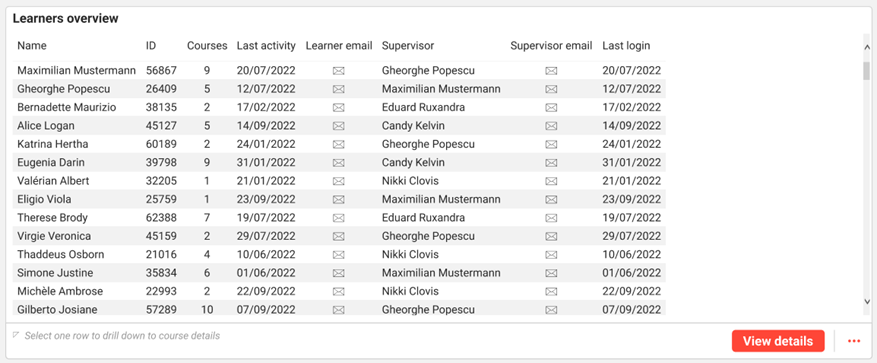
This “Learner’s overview” shows learner full name, learner ID, no. of courses the learner currently has status on, last activity date, supervisor full name, supervisor email-address and last login date on the system.
Metrics
The following metrics are present on the Learners analysis (by courses) report in the order mentioned.
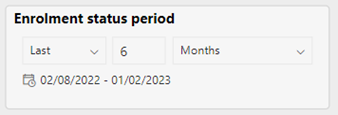
This metric allows filtering the report by the desired period for which the reporter is interested to see the enrolment status changes. The default is last six months.
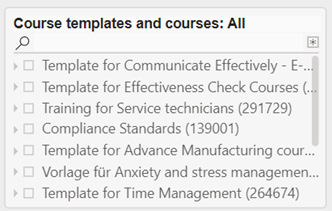
This metric list all course template and courses in whom the learners the report evaluates are taking part. The selection of a course template also selects all listed courses of that template.
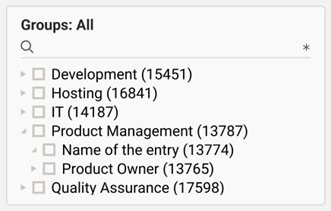
This metric list all groups holding learners for whom the reporter has access right. The selection of a group tree element selects the subgroups as well.
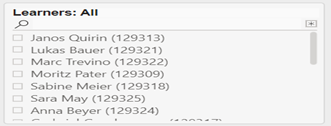
This metric list all learners the reporter has access right for.