
The “Course analysis report” evaluates how the courses are running and which ones need immediate attention.
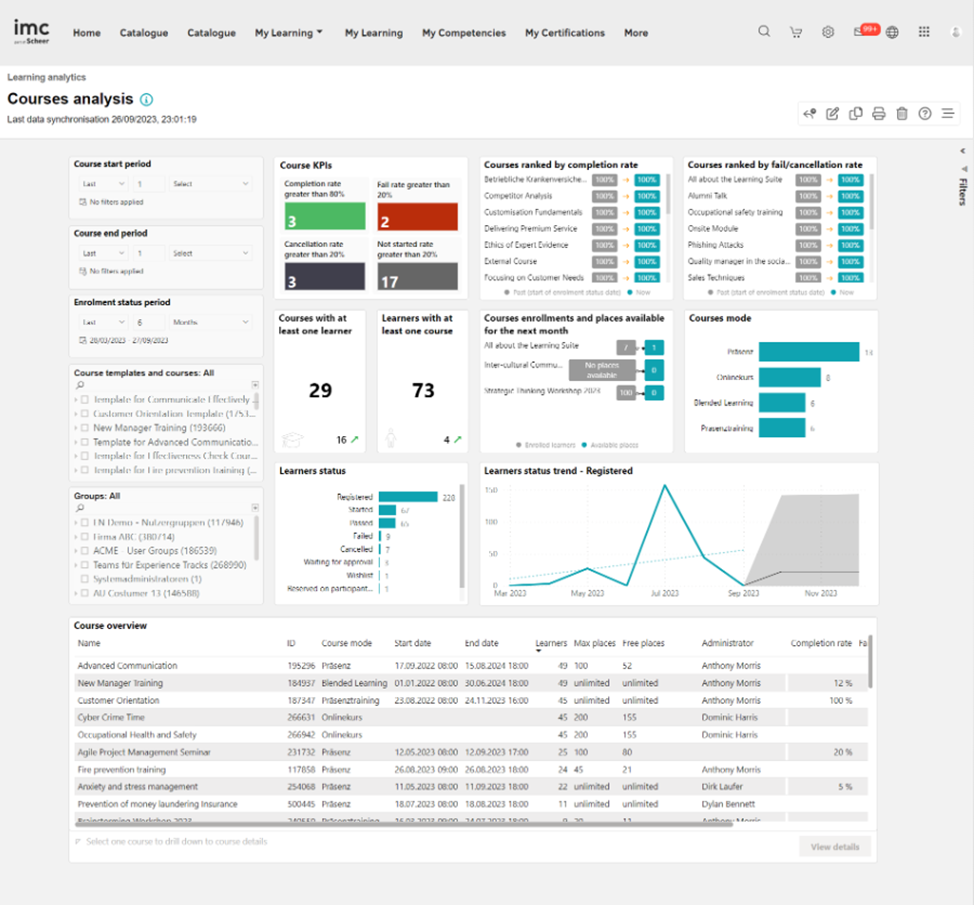
Key Performance Indicators
The Course analysis report analyzes the following KPIs in
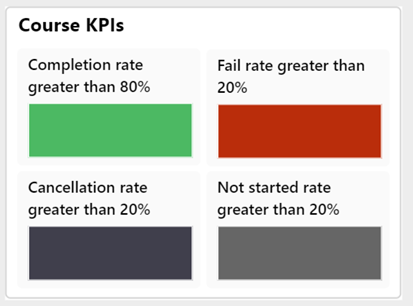
Failing rate greater than 20%.
This KPI shows which courses need special focus because of a high fail rate.
Not started rate greater than 20%.
This KPI identifies courses with pending learners who should have started learning, allowing necessary actions to be taken to motivate learners to start.
Cancellation rate greater than 20%.
This KPI shows which courses need improvement because of a high cancellation rate.
Completion rate greater than 80%.
This KPI shows which courses are best-practice courses because of their superior performance.
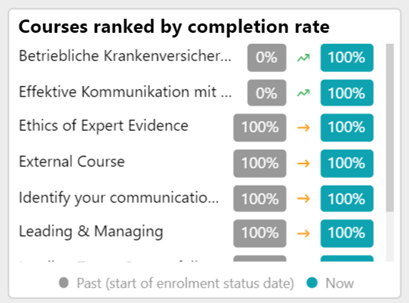
This KPI lists the top five courses in descending order of their completion rate. This KPI also shows how the completion rate has changed since the start of the "Enrolment status period" chosen by the reporter. The arrow shows "the trend" based on whether the up-to-date status is higher or lower than the status at the beginning of the filtered "Enrolment status period".
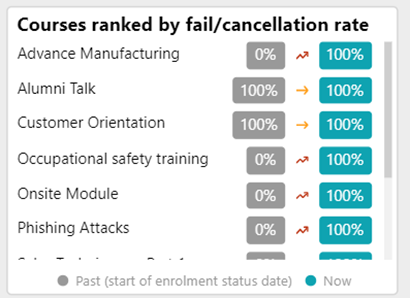
This KPI lists the top five courses in descending order of their flop rate, which is the sum of the failed and cancelled rates. This KPI also shows how the flop rate has changed since the start of the "Enrolment status period" chosen by the reporter.
The arrow indicates "the trend" based on whether the up-to-date status is higher or lower than the status at the beginning of the filtered "Enrolment status period".
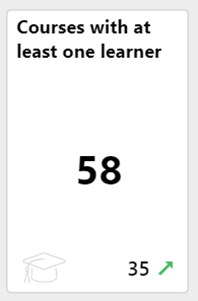
This KPI shows the number of courses with at least one learner who is enrolled, in progress, finished, passed, failed, or cancelled.
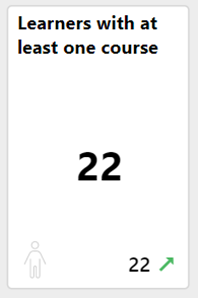
This KPI shows the number of learners with status (enrolled, in progress, finished, passed, failed, or cancelled) on at least one course. It also shows how many learners have increased or decreased since the start of the enrolment status period on the courses.
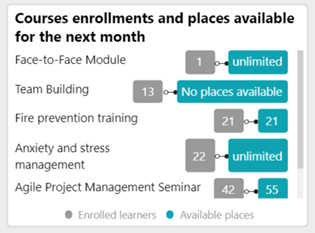
This KPI shows the date-dependent courses that are starting in the next month and still have places available.
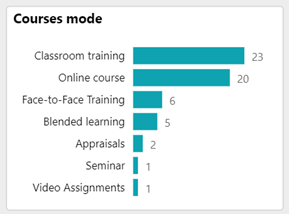
The number of learners in each learning mode of the courses (Online course, Classroom training, etc.) is displayed in this KPI.
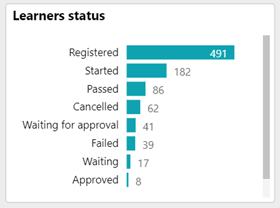
The number of learners with the respective enrolment statuses on the courses covered by the report is shown in this KPI.
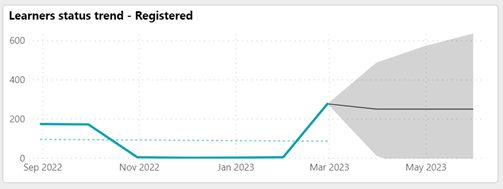
The numbers of users with the status selected by the reporter in the visual "Learner's status trend" are displayed in this KPI. The period to be considered is defined by the metric "Enrolment status period".
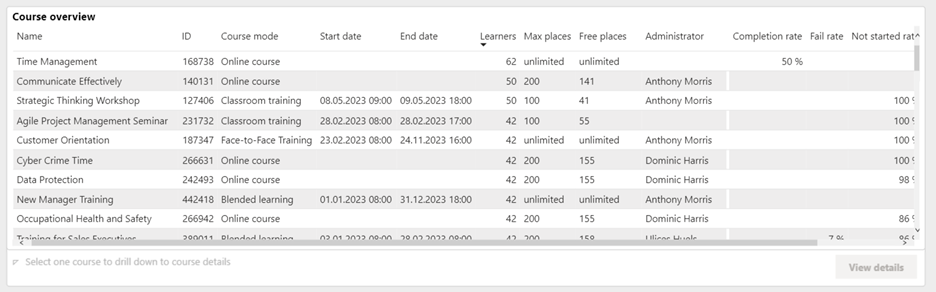
This “Course overview” displays course name, component ID, learning mode, start date, end date, no. of learners, maximum places, No. of free places, Administrator full name, administrator email-address, completion rate, fail rate, not started rate, cancellation rate.
Metrics
The following metrics are present on the Courses analysis report in the order mentioned.
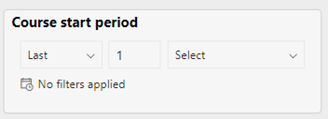
This metric filters the report by courses that have a start date in the chosen period.
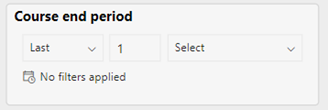
This metric filters the report by courses that have an end date in the chosen period.
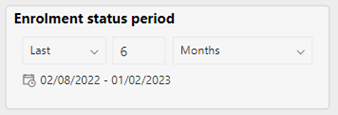
This metric filters the report by the desired period in which the reporter is interested in viewing the enrolment status changes for the learners. The default is the last six months.
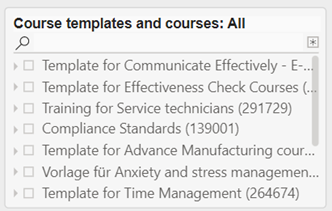
This metric lists the courses to which the reporter has access and their course templates. Selecting a course template also selects all listed courses of that template.
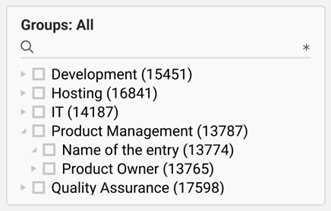
This metric lists all groups containing learners associated with the courses to which the reporter has access. Selecting an element of the group tree also selects the subgroups.