
ID=183
Depending from the setting “Used for” the certifications are show from different directions, from learner view or form supervisor view. Only one certification can be considered per panel.
Panel Settings
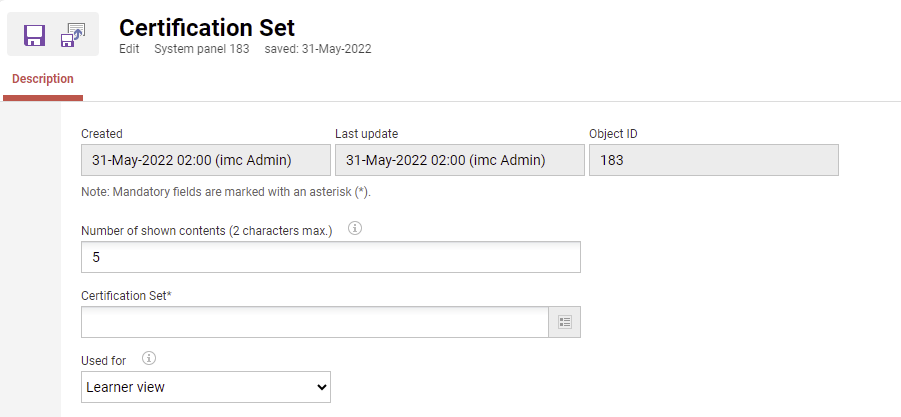
Number of Shown Contents
With the help of this option, you can limit how much content is displayed in the panel. If additional content is available, a link to all content (e.g. all current courses) will be displayed. If the field is empty, all available content will be displayed.
Only relevant for the setting "Used for - Manager view". The number of participants shown with their certification set progress is defined.
Certification Set
Only one certification set can be selected for display in the panel.
Used for
Available options:
-
Learner view → shows the progress of the logged-in user in regard to the selected certification set.
-
Manager view → shows the progress of the supervisor's employees in regard to the selected certification set.
-
for inactive learners certificates and certification sets an “inactive” chip is shown to identify employees without active certification requirements
-
Related Functions