
H5P is a free and open-source content collaboration framework based on JavaScript
-
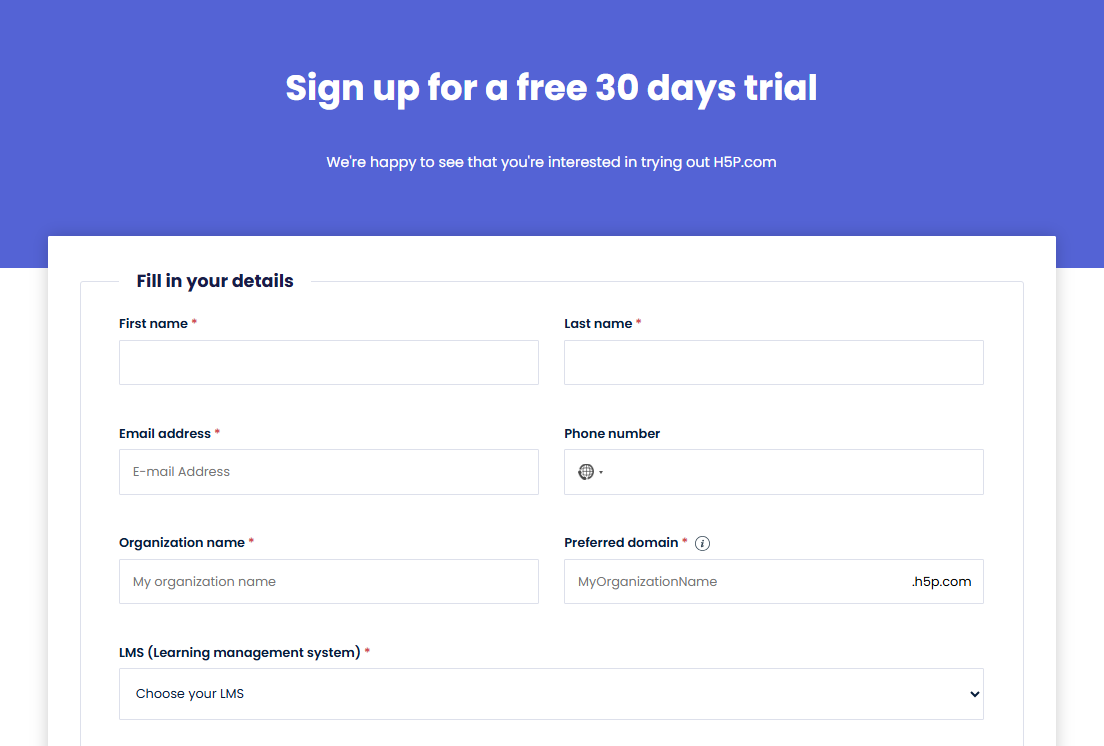
Sign up for 30 days free trial at https://h5p.com/
-
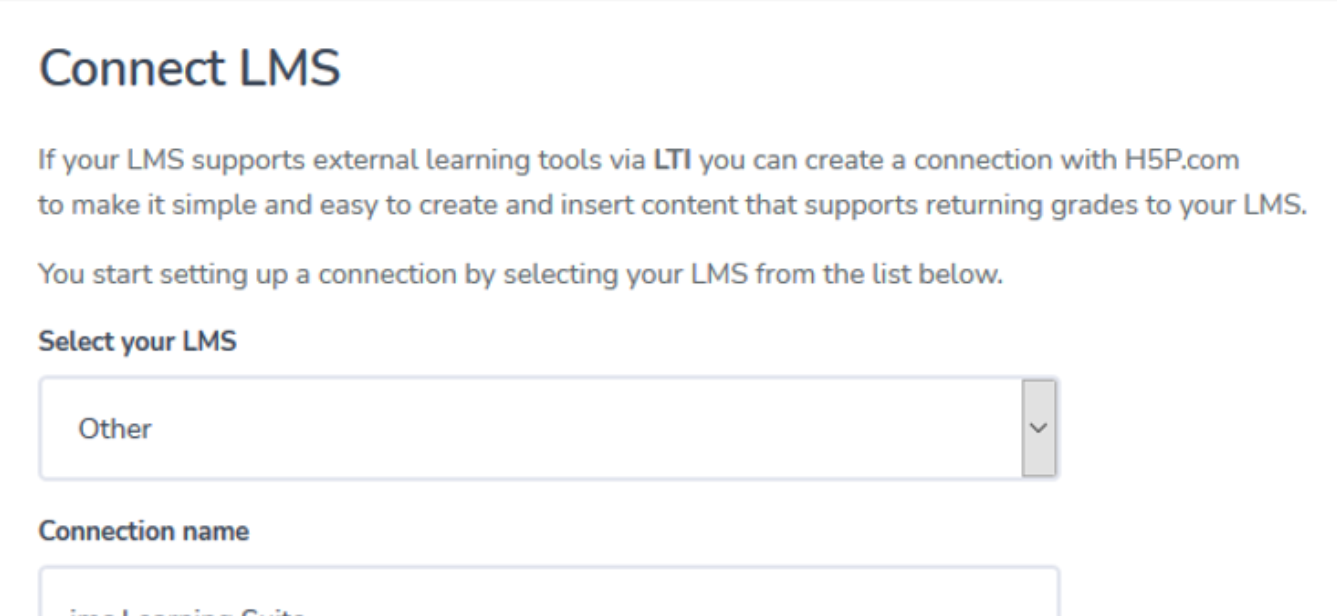
Go to Manage Organization > Connect LMS and Add LMS Connection
-
Select your LMS: Other
-
Connection name: IMC LMS (or some other label)
-
LTI Version: LTI v1.3
-
-
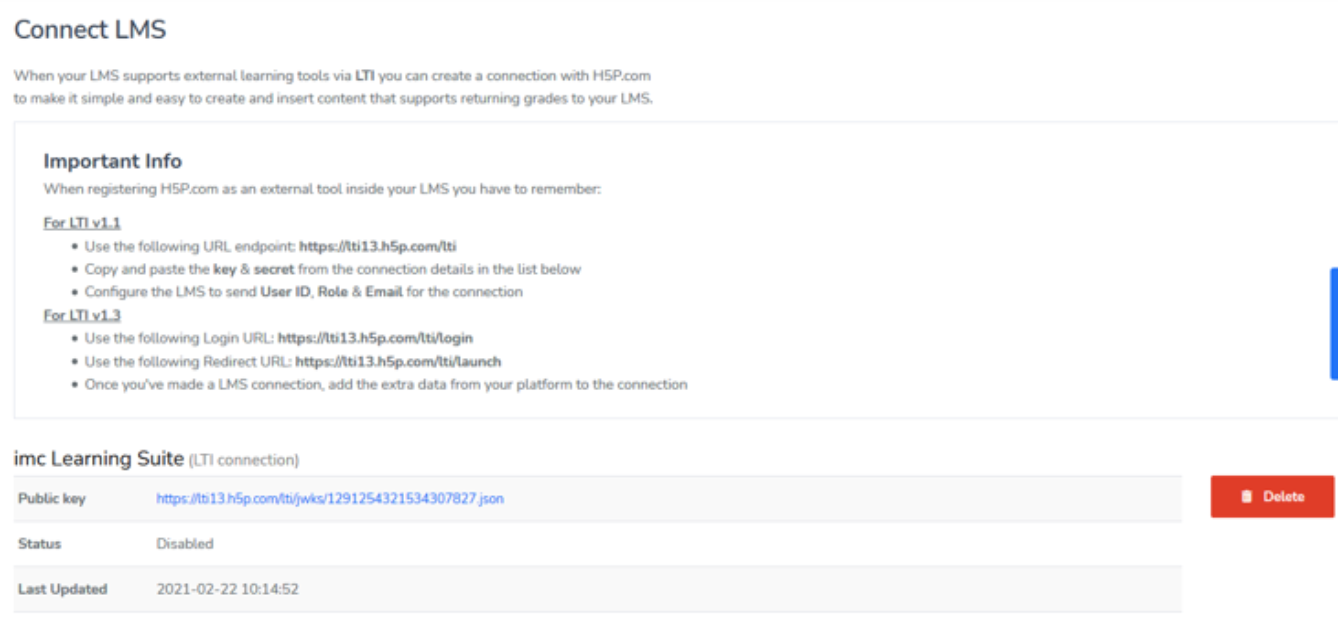
Create LTI 1.3 Provider with:
-
Use the following Login URL: https://im-c.h5p.com/lti/login
-
Use the following Redirect URL: https://im-c.h5p.com/lti/launch
-
Once you've made a LMS connection, add the extra data from your platform to the connection
-
-
Create LTI media with that provider
-
Register configuration by Connection info
-
Create some content under Manage Content
-
Save the link to the created content (https://im-c.h5p.com/content/1291250754620523077)
-
-
Configure media:
-
Add the saved link to the "Target Link URL" field of the Media
-
Open media in Preview
-
-
Launch media (as learner). The target content will be displayed.