
What are Forums?
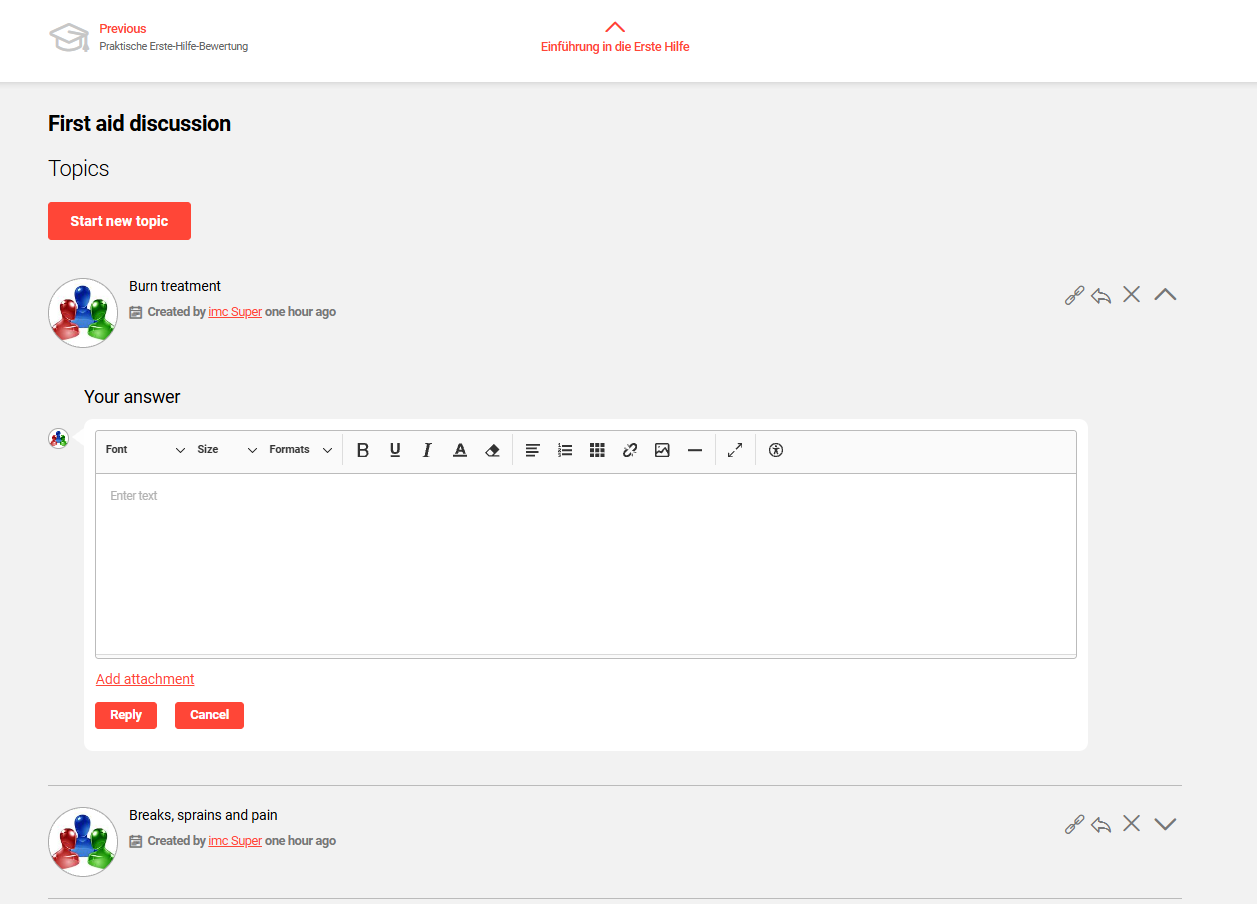
Forums are media objects intended to promote asynchronous discussions. Participants can be enabled to create conversation threads, post comments within existing threads, and upload files. These conversations can be moderated by Moderators. The use of Forums is only possible through assignment to Courses.
Assigning Forums to a Course
Forums can be assigned at both Course template and Course level. There are two different assignment methods available and each impacts the Participant view. These are via the Components tab and via the Social media tab. These options will initially display differently in the course room, but once opened will appear the same. Each will be covered below.
Course Component Assignment
This option became possible in IP14.25 and enables Forums to be added to Components tab of Courses and Course templates. Being part of the Syllabus provides better visibility to the learner and enables forums to be displayed in ‘Syllabus only’ course rooms.
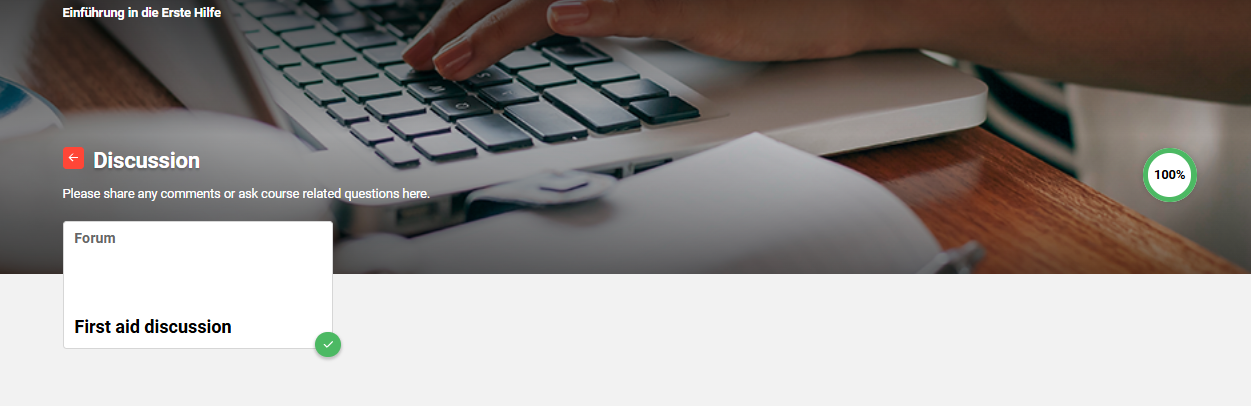
A '0' weighting can be selected when adding Forums to the Components tab. This will ensure the Forum has no impact on the Progress bar.
Social Media Assignment
Traditionally, Forums were added to the Social media tab of the Course. This requires that the Social media tab is available when creating the Course template; if not the Course type will require updating to enable via the Process complexity tab.

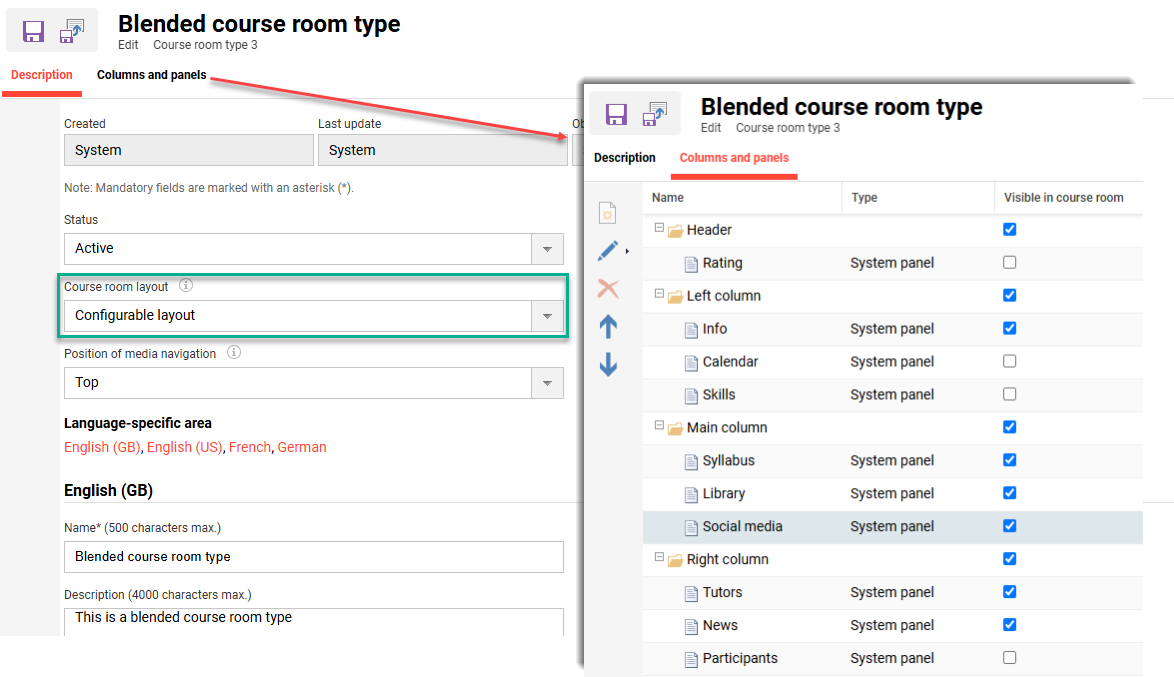
Secondly, the selected Course room in the Course room type (10750) meta tag must have the setting Configurable layout and the Social media panel ticked as Visible in Course room.
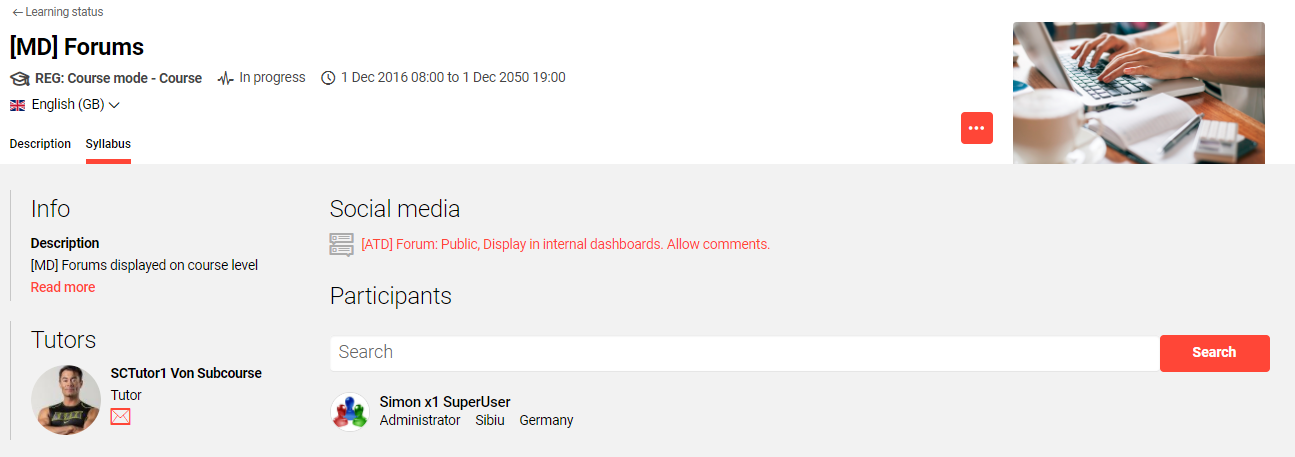
Providing the Forum is added to the Social media tab and the Course room type has the Social media panel enable, the Forum will be displayed as below.
Forum Media Type Assignment
There is a consideration when assigning Forums to Course templates and Courses. When assigning Forums to a Course template, the same forum will be utilised for future derived Courses. This can result in Participants of different courses viewing and responding to each others threads/comments. Where a Forum is desired to be restricted to participants of a single course, then the Forum can be created ‘Course specific’ within the Components tab. When a course specific forum is desired for a series of Classroom based courses, it’s possible to add a Forum media type to the Course template Components tab. This serves as a reminder when creating a Course that a Forum is required.