
ID=103
News is a single article that can be especially assigned to news panels or courses. News assigned to a course is readable in the course room of the course, as long as news is enabled in the course room type settings.
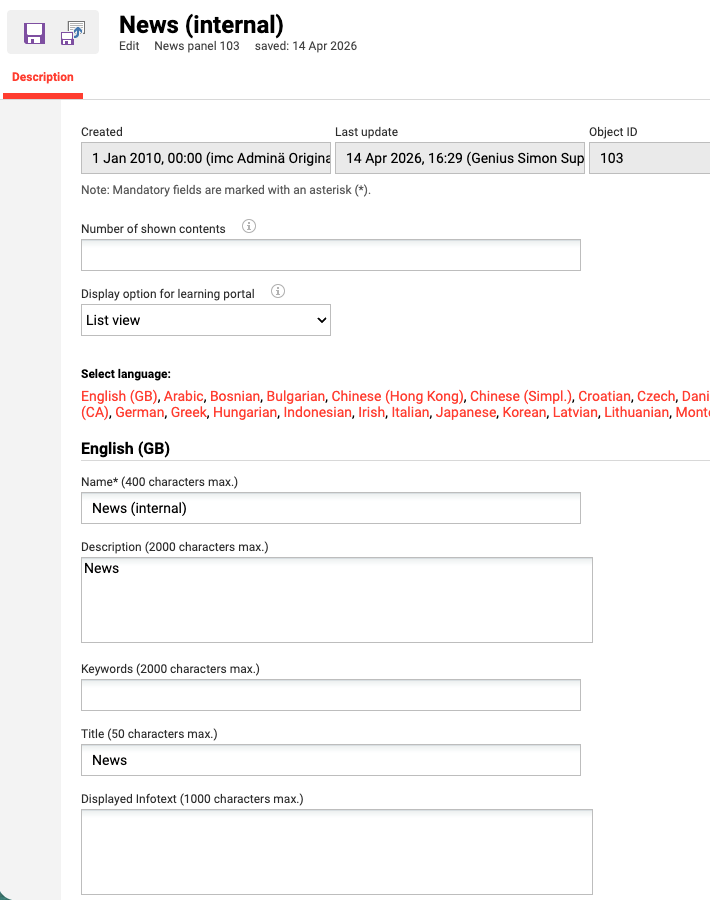
Panel Settings
Number of Shown Contents
With the help of this option, you can limit how much content is displayed in the panel. If additional content is available, a link to all content (e.g. all current courses) will be displayed. If the field is empty, all available content will be displayed.
The Carousel view display content has additional configurations that can be made for the panel contents in order to display different views in the Learning Portal.
Based on the type screens we can configure up to 4 tiles for the content to be displayed in the Learning portal and 1 character maximum in each section. There are 4 types of screens: Desktop HD, Desktop, Tablet, Smartphone.
Moreover, the Carousel view content display provides 2 more options which can be selected based on the preferred content view: Display navigation dots and Infinite slider.
For learning paths, this option is only available when using content-driven paths in the panel. For level-based learning paths, a single type of display is supported, therefore this setting is shown as disabled.
Display option for learning portal
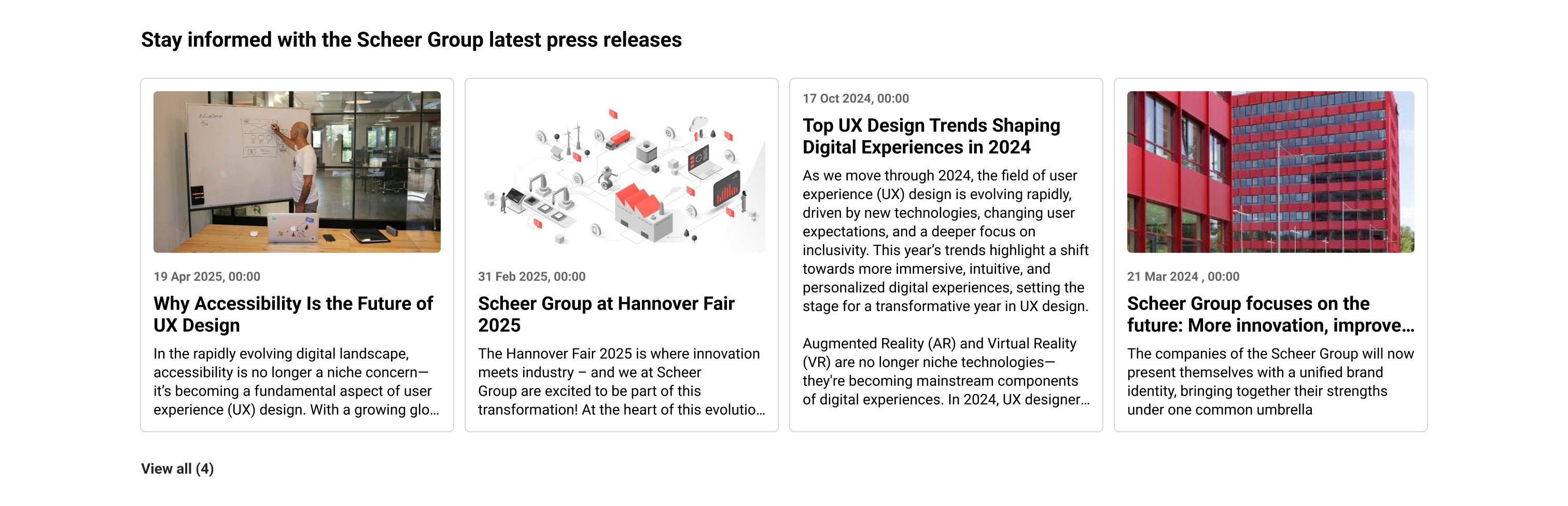
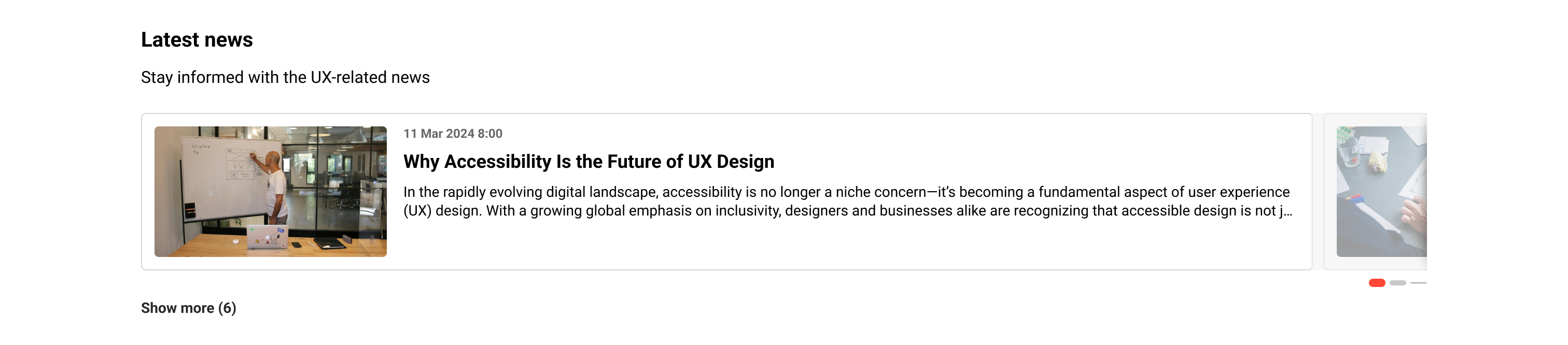
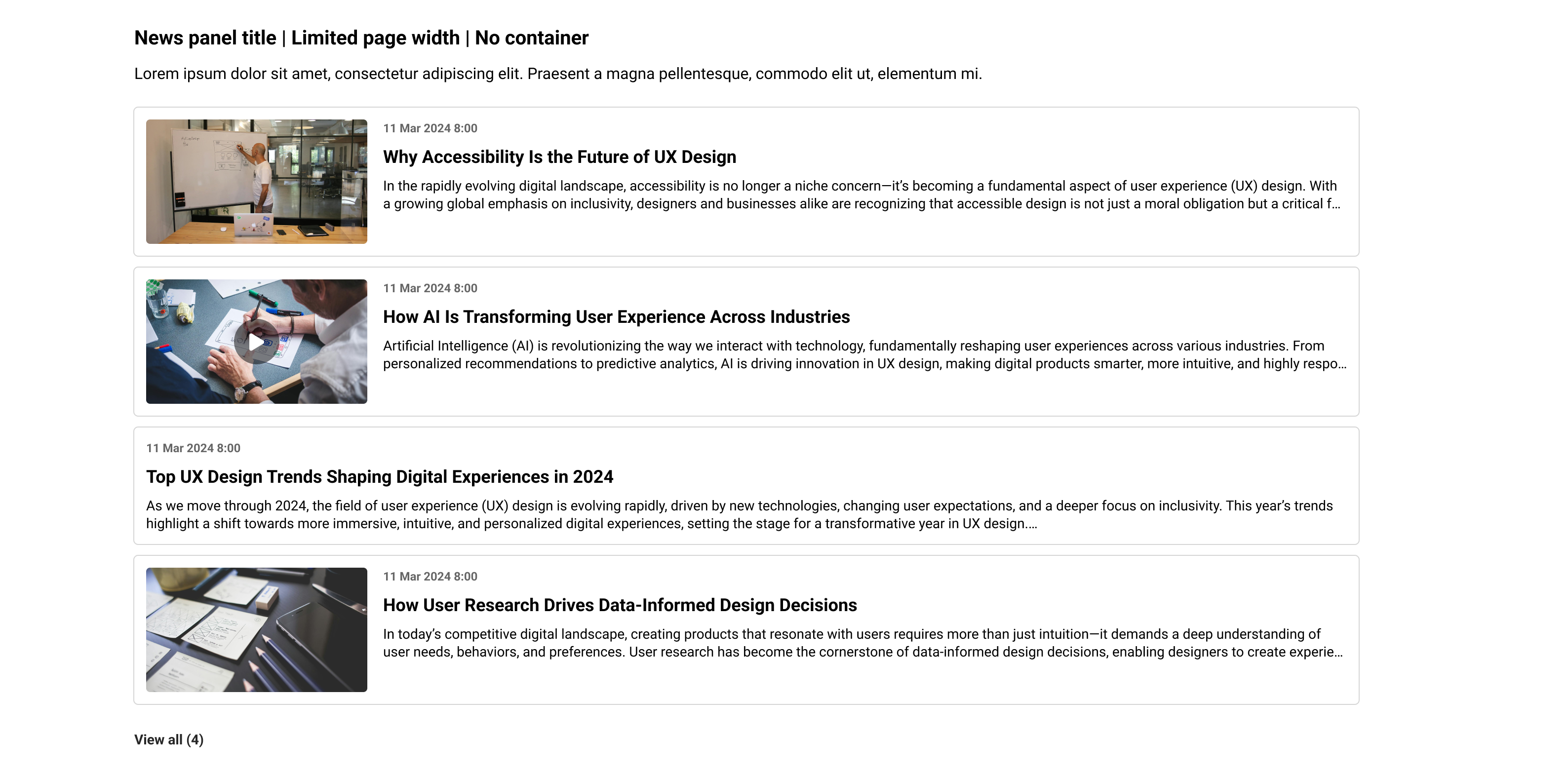
Panel contents can be displayed in different views in the Learning Portal. There are several options available for this. Either the map view or list view can be used. Alternatively, there is the option to display a slider with either one or multiple tiles in focus, while other tiles can be controlled using buttons or swiping on a touchscreen.
Map view:
Carousel with one tile in focus:
List view:
-
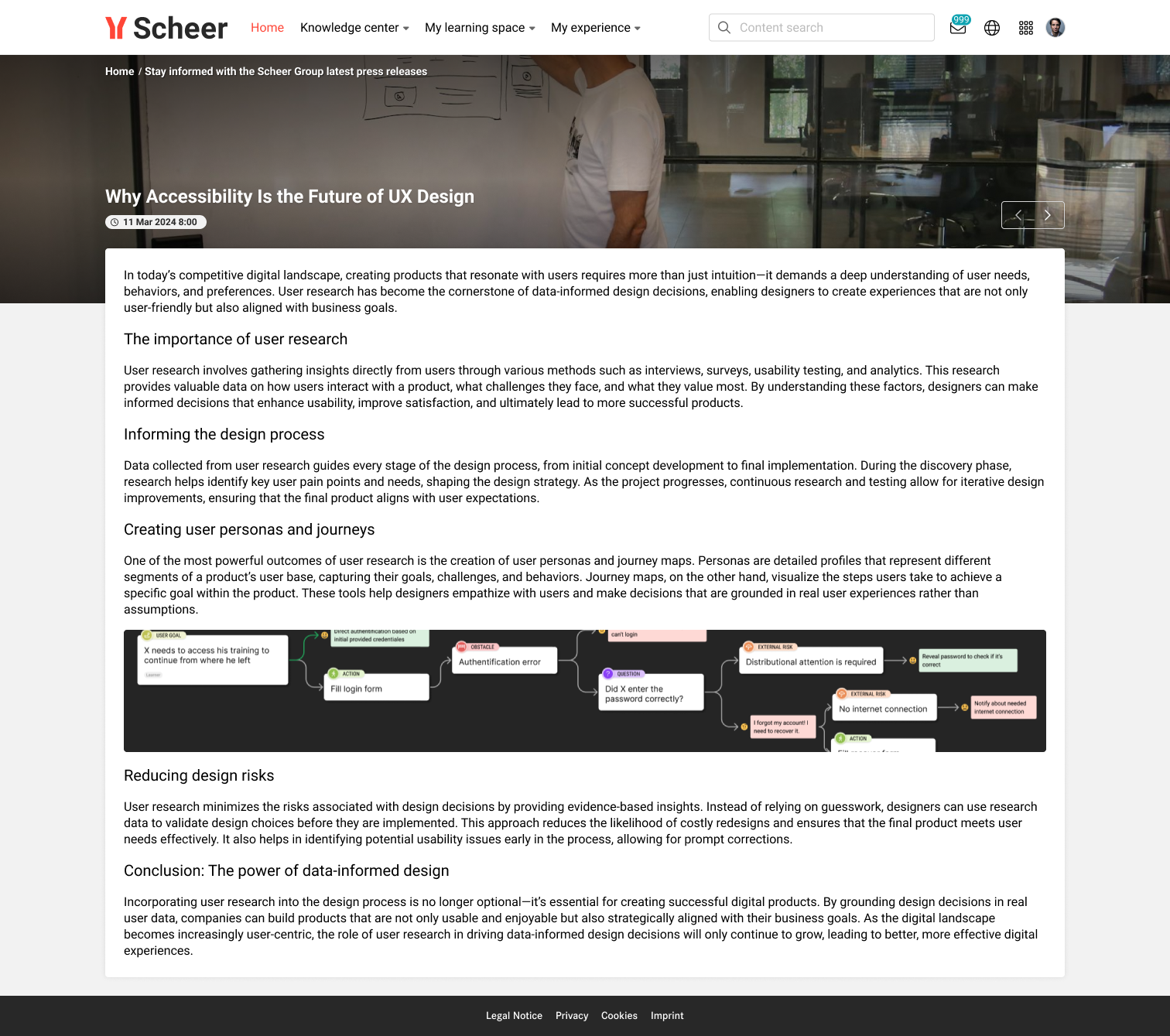
Click on items to navigate to their details page
-
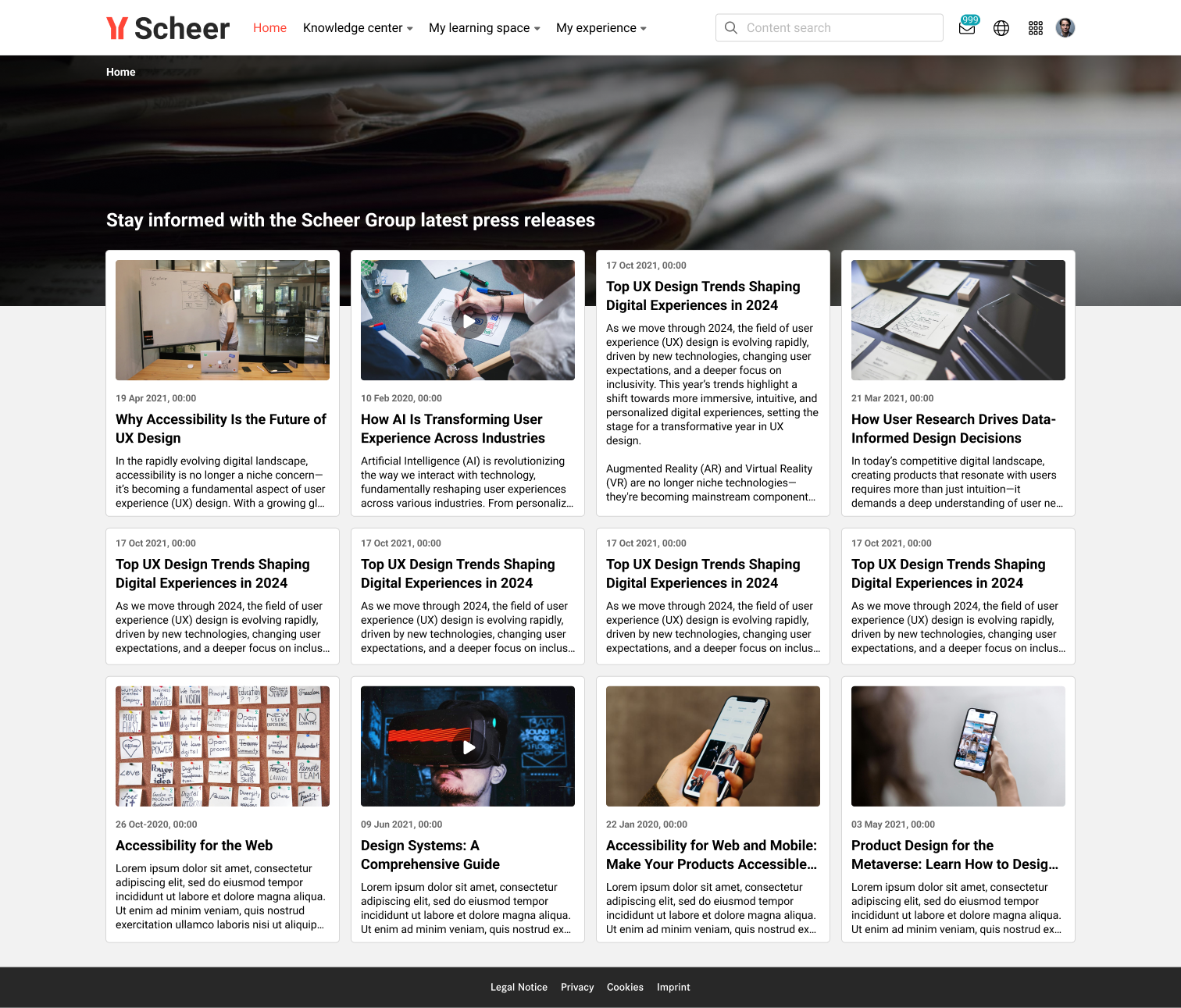
Click on “View all” to navigate to the all news overview page
Related Functions