
The Page Editor supports uploading documents and images as part of in‑page content creation. Uploaded items are stored within the specific page where they are created and cannot be reused across other pages.
Configuration
The File Upload is created directly on a page using the second icon in the list.

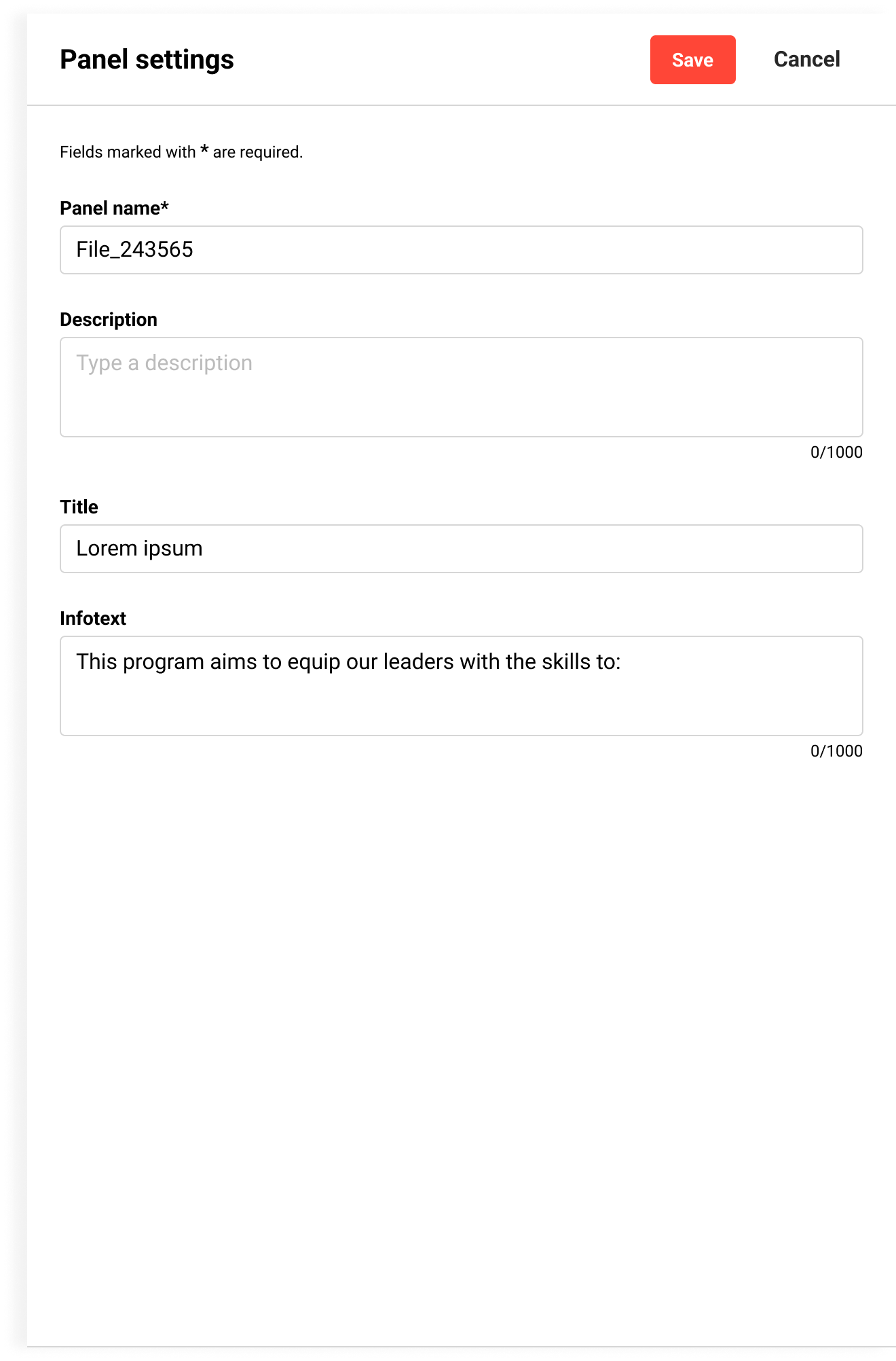
Panel settings
Supported uploads
-
Documents
-
Images
-
Videos
-
Audio files
Supported file types
-
Images: JPG, PNG, SVG
-
Documents: PDF, PPTX, DOCX, XLSX, TXT
Notes
-
Maximum file size: 250 MB per file. The size limit can be adjusted via the configuration manager.
Related Functions