
The Image Map feature allows users to create interactive hotspot regions directly within a page. After uploading an image, users can draw custom hotspot shapes, including rectangles, circles, and free‑draw areas, and enhance them with on‑hover tooltips containing a title and description. Each hotspot can be configured through the drawer to link to internal or external URLs, enabling rich navigation and contextual interactions within the page.
Configuration
The Image Map is created directly on a page using the third icon in the list.

Creation flow
-
Upload an image.
-
Draw one or more on-image shapes (rectangles) to define clickable regions.
-
Configure tooltips that appear on hover.
-
Keyboard shortcuts:
-
shift: Add new points for shape creation.
-
entf.: Remove a shape.
-
esc: Exit shape mode to add links and text.
-
Panel Settings
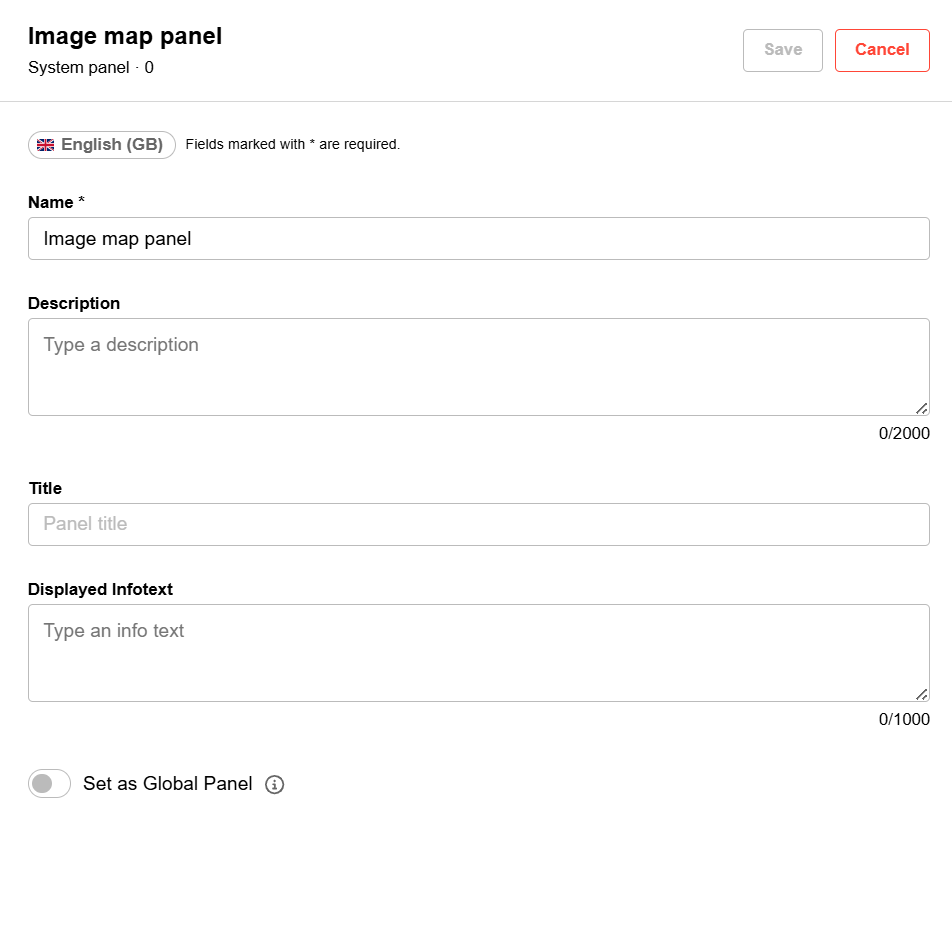
Set as Global Panel: Make this panel available across multiple pages. Future edits will affect all pages using it.
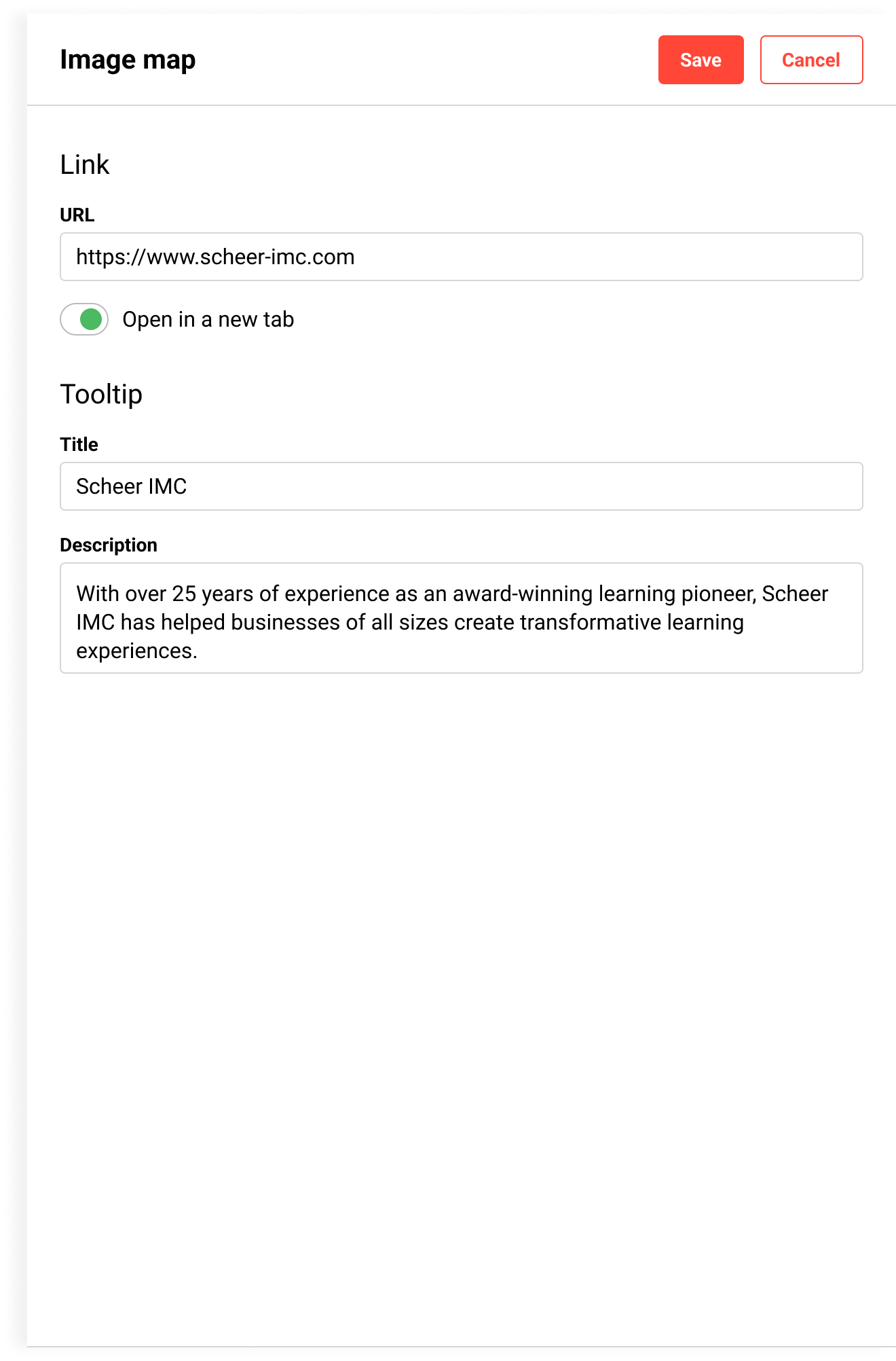
Link
URL: URL assignment, Internal and external URLs can be added
Open in a new tab: Specifies whether the added URL opens in a new tab. If not, the page will open in the same tab.
Tool Tipp
-
Title: The title is displayed on hover
-
Description: The description is displayed on hover

Related Functions